Key Takeaways
- Best pick by job: HubSpot, Salesforce or Attio for your CRM, Instantly or Smartlead for email, HeyReach for LinkedIn and Slack for alerts. For a tool with no native integration, use webhooks or the HTTP API, if it can send or receive HTTP requests.
- Clay’s pricing page puts CRM integrations, HTTP API calls, webhooks and ad audience syncs on Growth and Enterprise only. The four dedicated sequencer integrations start on Launch.
- All 10 tool pages in this guide mark their main actions “Bring Your Own Account Required”, so you need an account in the other tool as well.
- On Growth or above, connect your CRM first, so the other integrations have a record to check before they send, write or spend.
The best Clay integrations are HubSpot, Salesforce and Attio for your CRM, and Instantly, Smartlead, lemlist and HeyReach for sequences. Add Clay Ads for ad audiences, ZoomInfo and Apollo for data you already pay for, and Slack for alerts. Webhooks and the HTTP API reach most tools that have no native integration.
We read Clay’s own pages on November 20, 2026 and asked three things of each. What syncs? Which direction does it move? Which Clay plan does it need? Each entry quotes Clay’s own integration page or docs, so you can see how much of the job it covers.
Clay integrations are the connections that move rows between Clay and the rest of your stack. A row can come in from your CRM, pick up data in Clay, and go back out to a sequencer, an ad platform or a Slack channel. This guide sorts 12 entries by the job they do, so you can see where each sits before you pay for the plan that opens it. Webhooks and the HTTP API share one entry.
At Frontal, the go-to-market partner for B2B tech companies, our GTM engineering team wires Clay into HubSpot or Salesforce and your sequencers. We do it inside your own accounts, working as an extension of your team.
What Are Clay Integrations?
A Clay integration is a built-in action or source that reads from or writes to another tool. Clay’s directory labels most of them “Clay-built Integration”. Each one lists actions such as “Add lead to campaign” or “Update object”, and each action runs once per row in your table.
There are three ways data crosses the line. A source pulls records into a Clay table, such as HubSpot’s “Import objects”. An action pushes a row out or looks something up, such as Instantly’s “Add Lead to campaign”. Webhooks and the HTTP API cover most tools without a native integration, as long as the tool can send or receive HTTP requests.
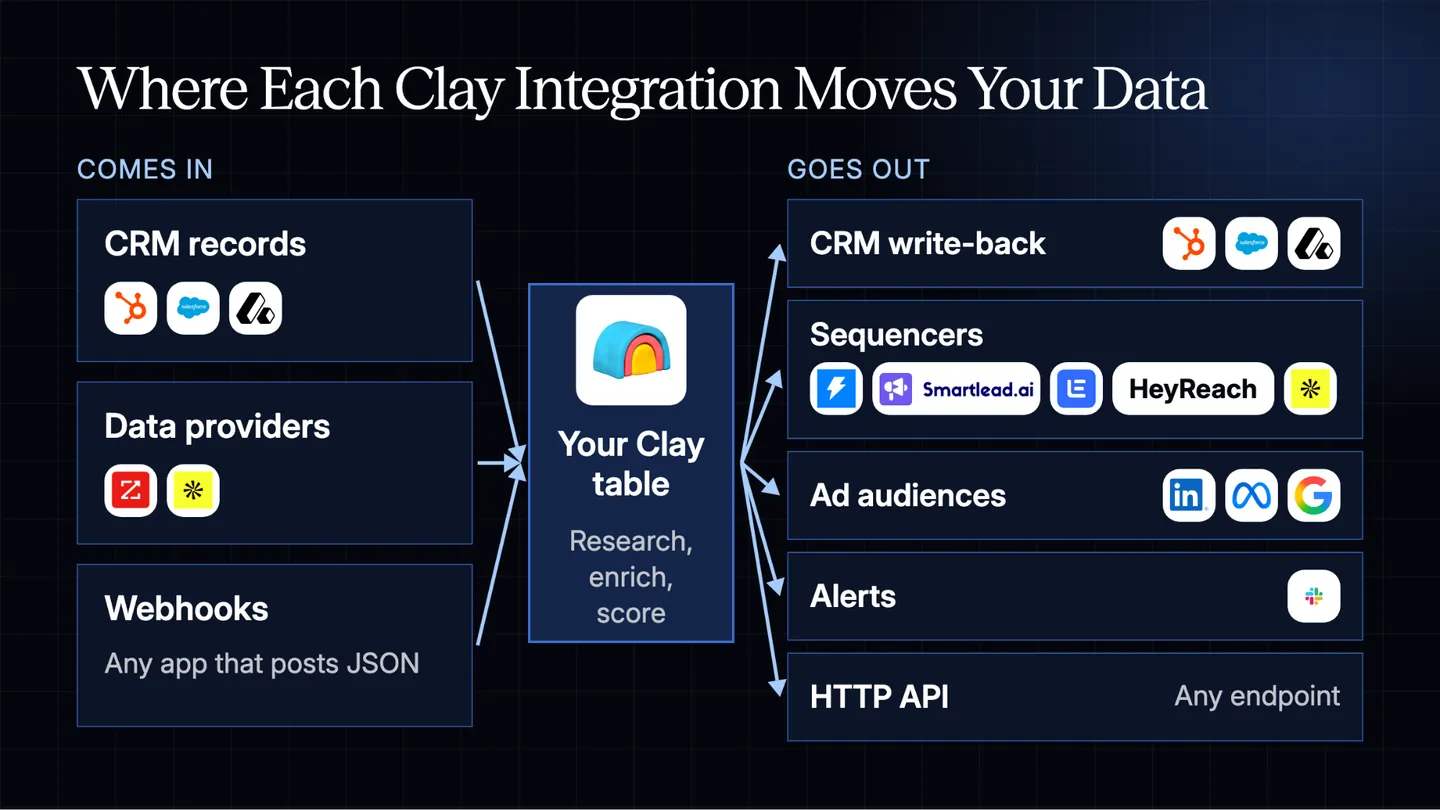
Records come in from your CRM, data providers and webhooks, and go out to your CRM, sequencers, ad audiences, Slack and any API endpoint.
Clay sits beside your CRM, not in place of it. In a Clay CRM setup, your sales team keeps working in HubSpot, Salesforce or Attio, and Clay fills in and scores the records it reads from there.
Connecting tools matters because most teams already own more capability than they use. A 2023 Gartner survey of 405 marketing leaders found martech stack utilization had dropped to 33% on average. Integrations are how Clay’s work reaches the tools you’ve already paid for.
How the 12 Clay Integrations Compare
The table sets the 12 side by side on the three questions that decide a setup. Each “Clay plan” cell is the “Plan compatibility” label on that tool’s Clay integration page, read on November 20, 2026. Clay Ads and webhooks have no such page, so those two cells come from Clay’s pricing page.
| Integration | Job | What syncs | Direction | Clay plan |
|---|---|---|---|---|
| HubSpot | CRM | Contacts, companies, deals, custom objects, lists | Both ways | Growth+ |
| Salesforce | CRM | Records from lists, reports and SOQL queries; leads, accounts, contacts | Both ways | Growth+ |
| Attio | CRM | Records and list entries, by upsert | Both ways | Growth+ |
| Instantly | Email sequencer | Leads into campaigns, lead updates, inbox checks | Clay to Instantly, plus lookups | Launch+ |
| Smartlead | Email sequencer | Leads, lead status, lead categories | Clay to Smartlead, plus status lookups | Launch+ |
| lemlist | Email and LinkedIn sequencer | Leads into campaigns, lead updates | Clay to lemlist, plus lookups | Launch+ |
| HeyReach | LinkedIn sequencer | Leads into campaigns | Clay to HeyReach only | Launch+ |
| Clay Ads | Ad platforms | Audiences for LinkedIn, Meta, Google, Bing, Vibe.co and Reddit | Clay to the ad platform | Growth+ (pricing page) |
| ZoomInfo | Data provider | Company and contact details | ZoomInfo to Clay | All plans |
| Apollo | Data provider and sequencer | People, companies, open jobs, sequence status | Both ways | All plans |
| Slack | Alerts and approvals | Messages, approval buttons | Clay to Slack, approval answers back | All plans |
| Webhooks and HTTP API | Automation | Any JSON payload in; any API call out | Both ways | Growth+ (pricing page) |
Check the plan column before you pick a tool. A Launch workspace can push leads into four sequencers plus Apollo, but it can’t write a single field back to HubSpot or Salesforce.
CRM Integrations
Your CRM is where an enriched record lands so your sales team can work it. Clay’s HubSpot, Salesforce and Attio integrations each import records and write them back, and all three show “Included in Growth+”. Get the CRM right first, because every integration that reads it inherits its mistakes. Our RevOps team handles that cleanup in HubSpot or Salesforce, from duplicates to field hygiene.
1. HubSpot, Best for Teams That Run Sales From HubSpot
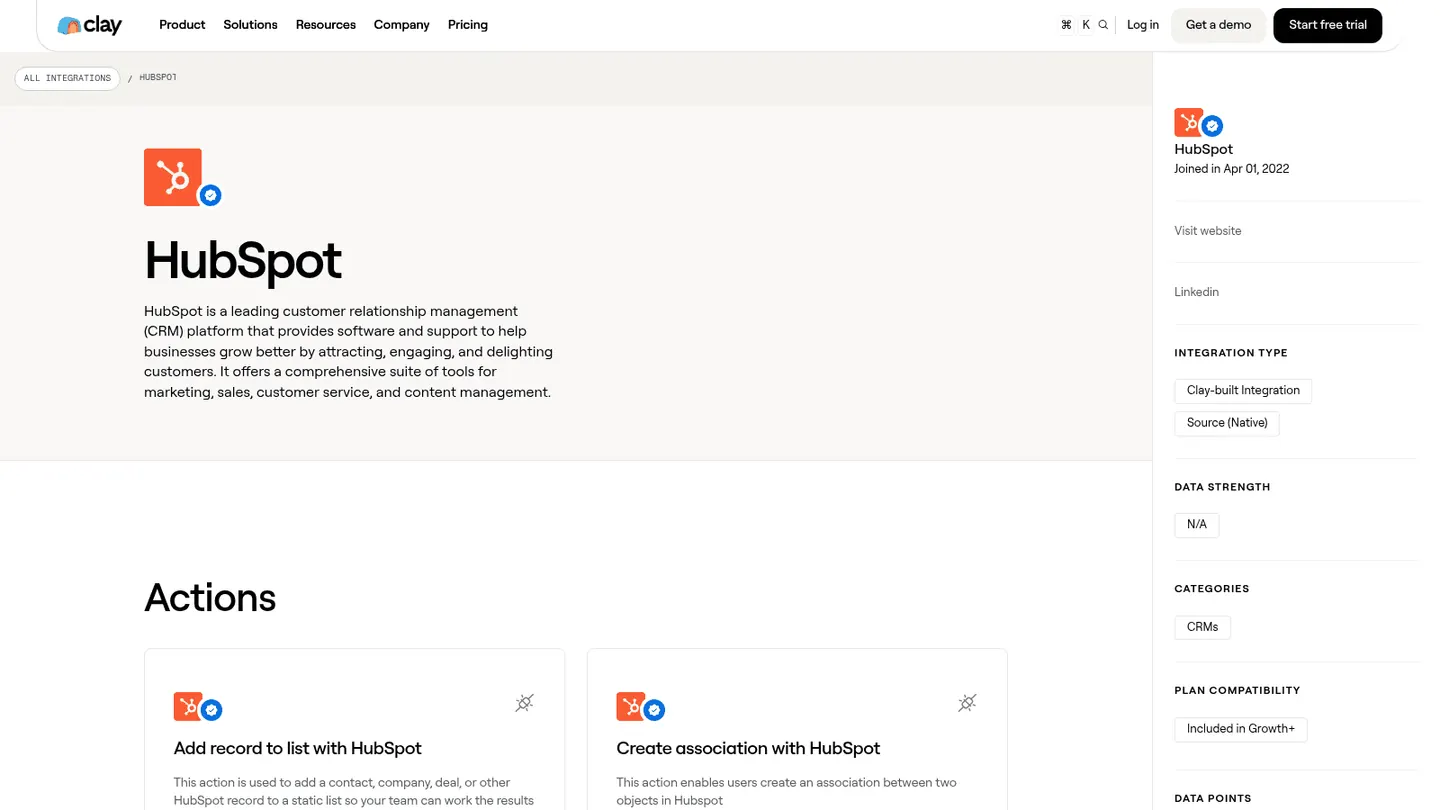
The Clay HubSpot integration has 12 actions, as many as Salesforce and two more than Attio. Clay’s docs say you can “import, create, update, and manage HubSpot objects directly in Clay”. The object list comes from your own portal, so custom objects appear too.
Best for: HubSpot teams that want enriched records written back.
What syncs: “Import objects” pulls records into a table. “Create object”, “Update object” and “Add record to list” write them back.
Direction: Both ways.
Clay plan: “Included in Growth+”.
Where it shines:
- It checks sequences. “Retrieve enrollment status of a contact” tells you if someone already sits in a HubSpot sequence.
- It reads associations. You can fetch a contact’s company or deals before you decide what to write.
Where it falls short:
- Custom objects need HubSpot Enterprise. Clay’s docs say those permissions “are available on HubSpot Enterprise portals”.
- Lookups cap out. A lookup defaults to 10 results and returns 200 at most.
Verdict: Connect it first if HubSpot is your system of record, or ask a HubSpot partner to set it up.
2. Salesforce, Best for Orgs With Strict CRM Rules
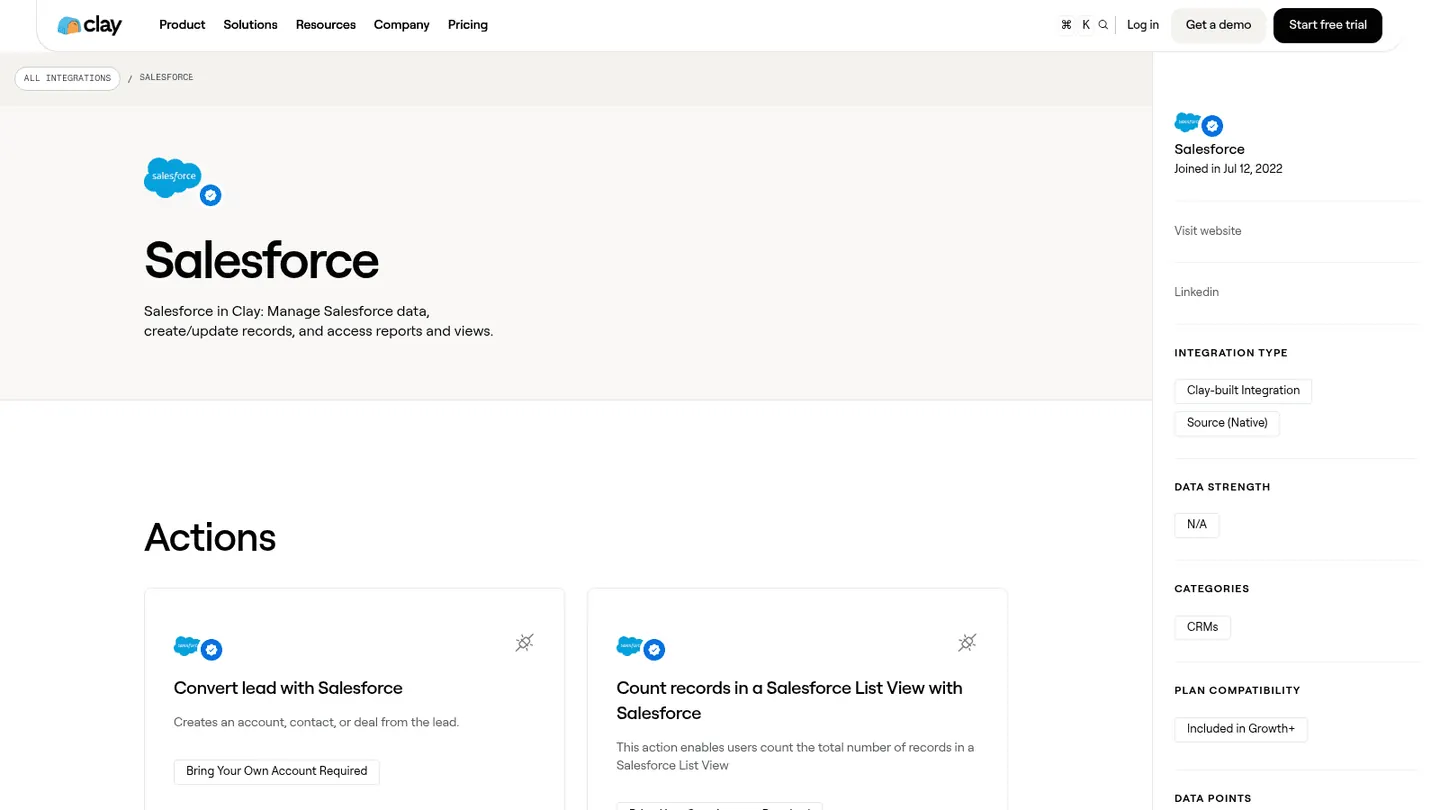
Salesforce’s integration has 12 actions and suits teams that segment inside Salesforce, because Clay can import from list views, reports and SOQL queries. “Create or update record” matches on an external ID, which stops duplicates when the same account arrives twice.
Best for: Salesforce orgs with admins and field rules.
What syncs: Records from a list, report or SOQL query come in. “Create record”, “Update record” and “Convert lead” go out.
Direction: Both ways.
Clay plan: “Included in Growth+”.
Where it shines:
- It speaks SOQL. A custom SOQL import can pull up to 50,000 records.
- It converts leads. “Convert lead” creates the account, contact or deal from a lead row.
Where it falls short:
- Reports cap at 2,000 records. Clay’s docs add that “Only tabular and matrix reports are supported.”
- Picklists are fussy. Multi-select values need semicolons, “NOT commas”.
Verdict: It’s the right pick when Salesforce owns the record, and a Salesforce partner can handle the field mapping.
3. Attio, Best for Teams Whose Records Live in Attio
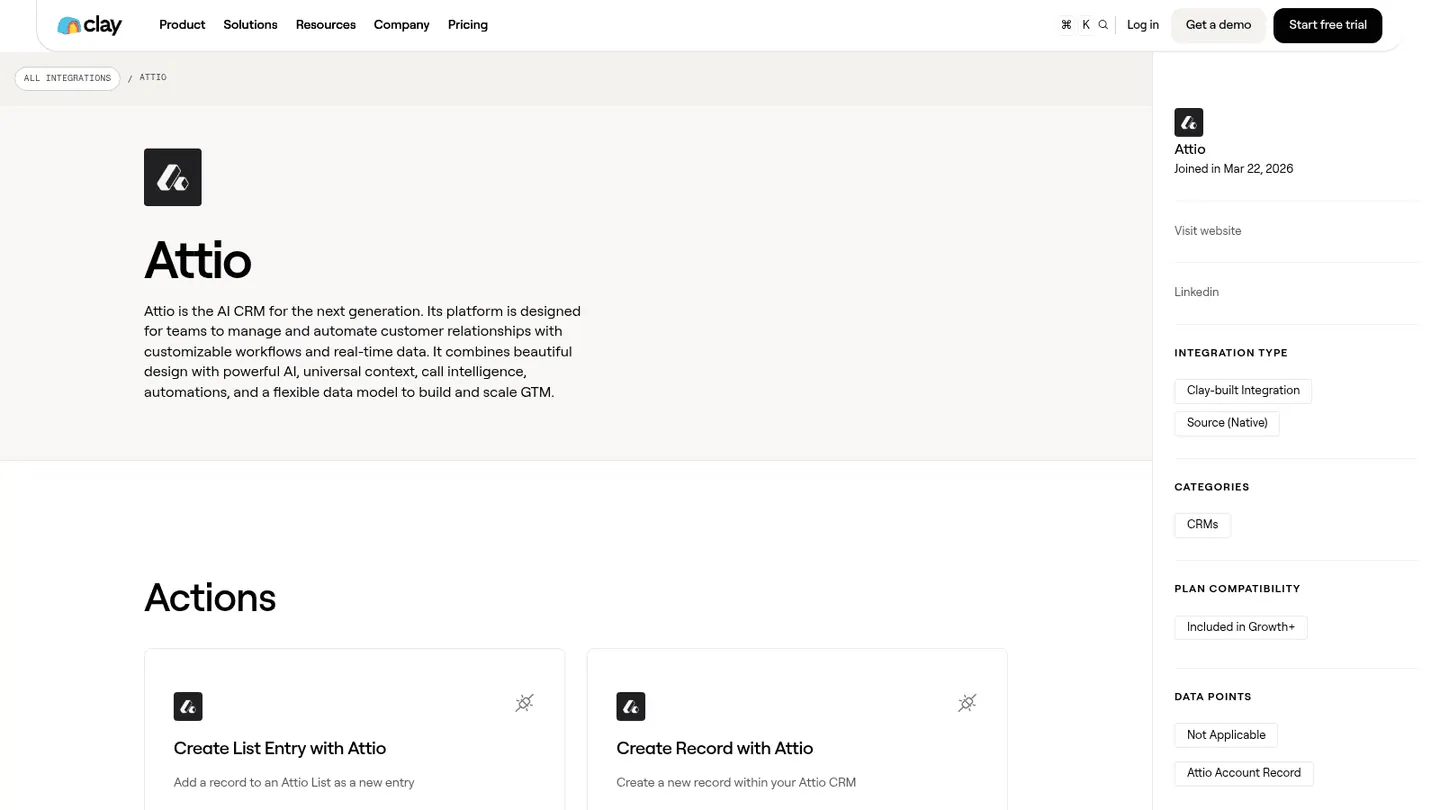
Attio joined Clay’s directory on March 22, 2026, and its page now lists 10 actions. The standout is “Upsert Record”, which Clay describes as “insert or update”. One action covers both cases, so you don’t need a lookup step first.
Best for: Teams that already run sales from Attio.
What syncs: “Import records” and “Import records from lists” come in. “Upsert Record” and “Upsert List Entry” go out.
Direction: Both ways.
Clay plan: “Included in Growth+”.
Where it shines:
- Upserts keep it short. Fewer actions per row means fewer steps to debug.
- Lists are first-class. You can add, update or look up list entries directly.
Where it falls short:
- Lookups stop at 10 records. “Lookup Records” returns “up to 10 records”.
- It’s the newest of the three. It joined in 2026, against 2022 for both HubSpot and Salesforce.
Verdict: Pick it if Attio is already your CRM. It needs the same Growth plan as HubSpot and Salesforce, so your Clay plan won’t decide between them.
Email and LinkedIn Sequencer Integrations
Sequencers are where an enriched lead turns into a message. Instantly, Smartlead, lemlist and HeyReach all show “Included in Launch+”, so you can switch them on before you pay for Growth. Each one pushes leads out of Clay, and only some read results back.
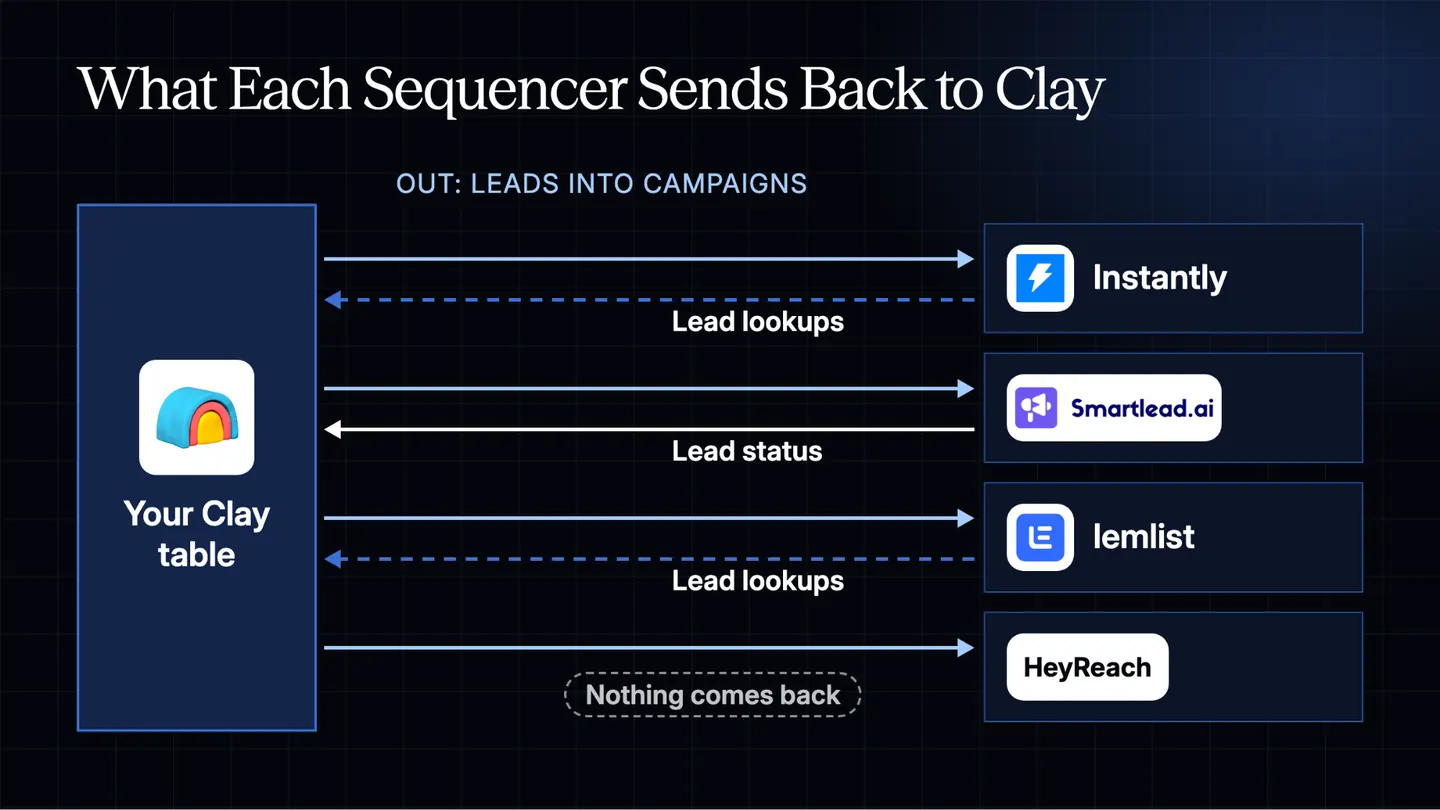
All four take leads from Clay. Smartlead reads lead status back, Instantly and lemlist run lookups, and HeyReach returns nothing.
4. Instantly, Best for Verifying Addresses Before You Send
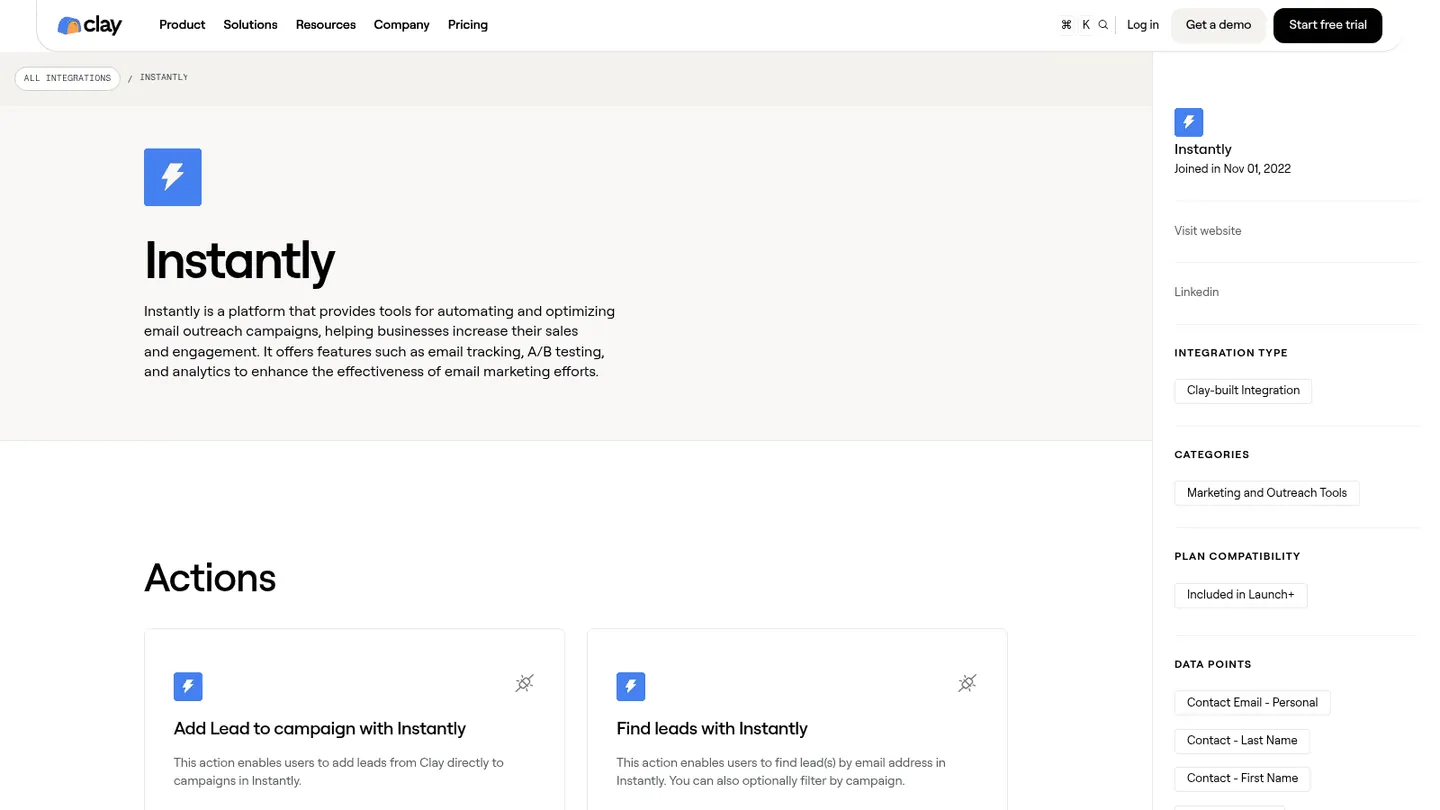
The Instantly integration has four actions, led by “Add Lead to campaign”. The other three find leads, update them and verify an address, and the lookups key on email.
Best for: Teams whose main channel is cold email.
What syncs: Leads go into campaigns. Lead lookups and updates run by email address.
Direction: Clay to Instantly, with lookups.
Clay plan: “Included in Launch+”.
Where it shines:
- It checks before it sends. “Verify Email” tests “if an email address has a valid inbox”, so you can filter dead addresses out first.
- It finds duplicates. “Find leads” can filter by campaign, so you skip people already enrolled.
Where it falls short:
- Replies don’t come back as a source. An Instantly reply event can post to a Clay webhook, as in our reply enrichment play, but webhooks need Growth.
- Sending health sits outside Clay. Domains and email deliverability still need their own setup.
Verdict: Use it when cold email is the job and your domains are already warmed.
5. Smartlead, Best for Routing Leads by Reply Status
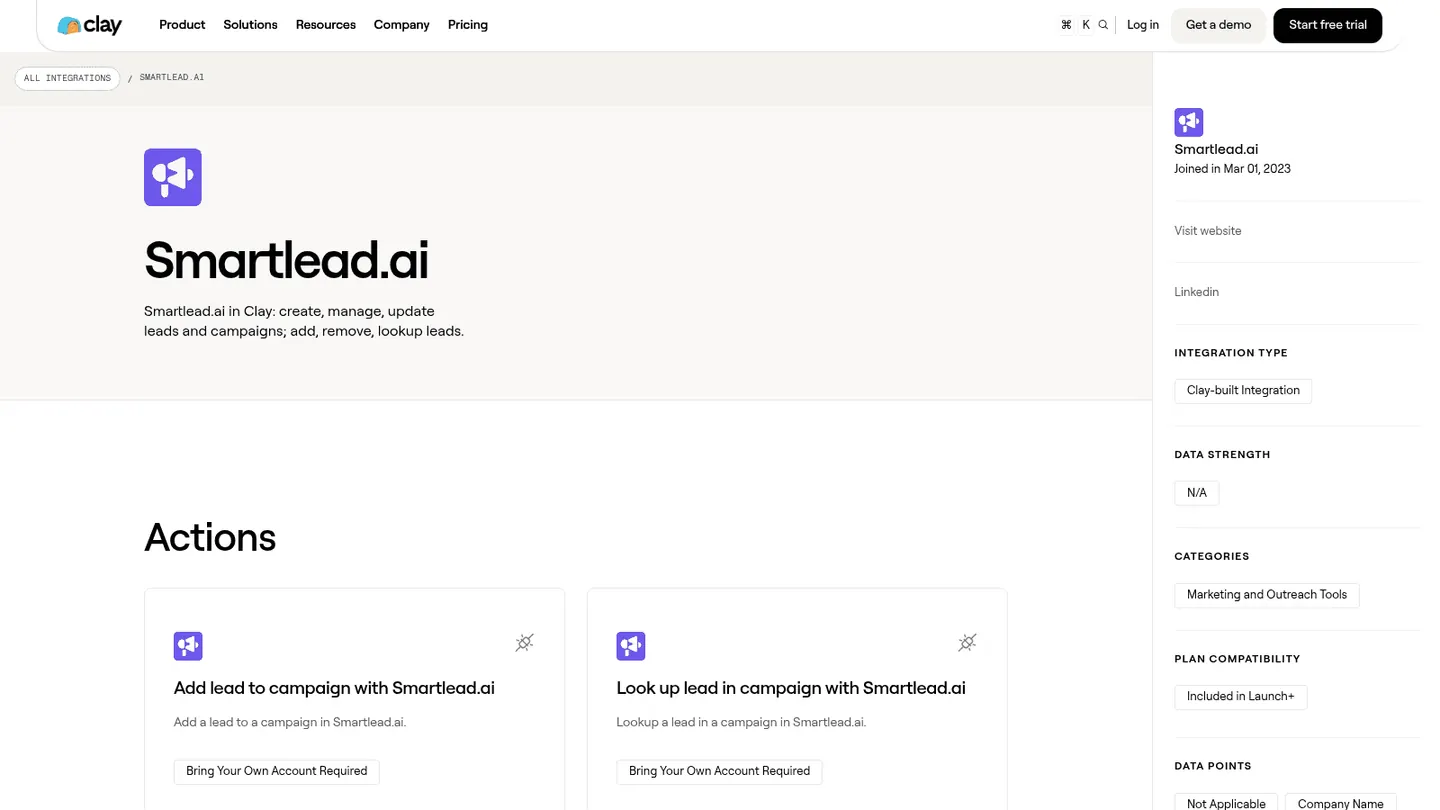
Smartlead’s integration has six actions, and two of them read results. “Look up lead in campaign” finds an enrolled lead, and “Look up lead status in campaign” tells you “whether a lead has completed, replied to, or is in progress”. “Update lead category” then tags the lead once you know.
Best for: Teams that act on replies in Clay.
What syncs: Leads and lead categories go into Smartlead, and lead status comes back on lookup.
Direction: Clay to Smartlead, with status lookups.
Clay plan: “Included in Launch+”.
Where it shines:
- It closes the loop. Status lookups let one table route replied, finished and active leads differently.
- It cleans up. “Remove lead from campaign” pulls someone out when their record changes.
Where it falls short:
- Removal is final. Clay’s page warns, “This can’t be undone.”
- Status checks are per row. You run them on a schedule, not as a live feed.
Verdict: It fits teams that want reply status in Clay on Launch, without setting up a webhook.
6. lemlist, Best for Simple Multichannel Campaigns
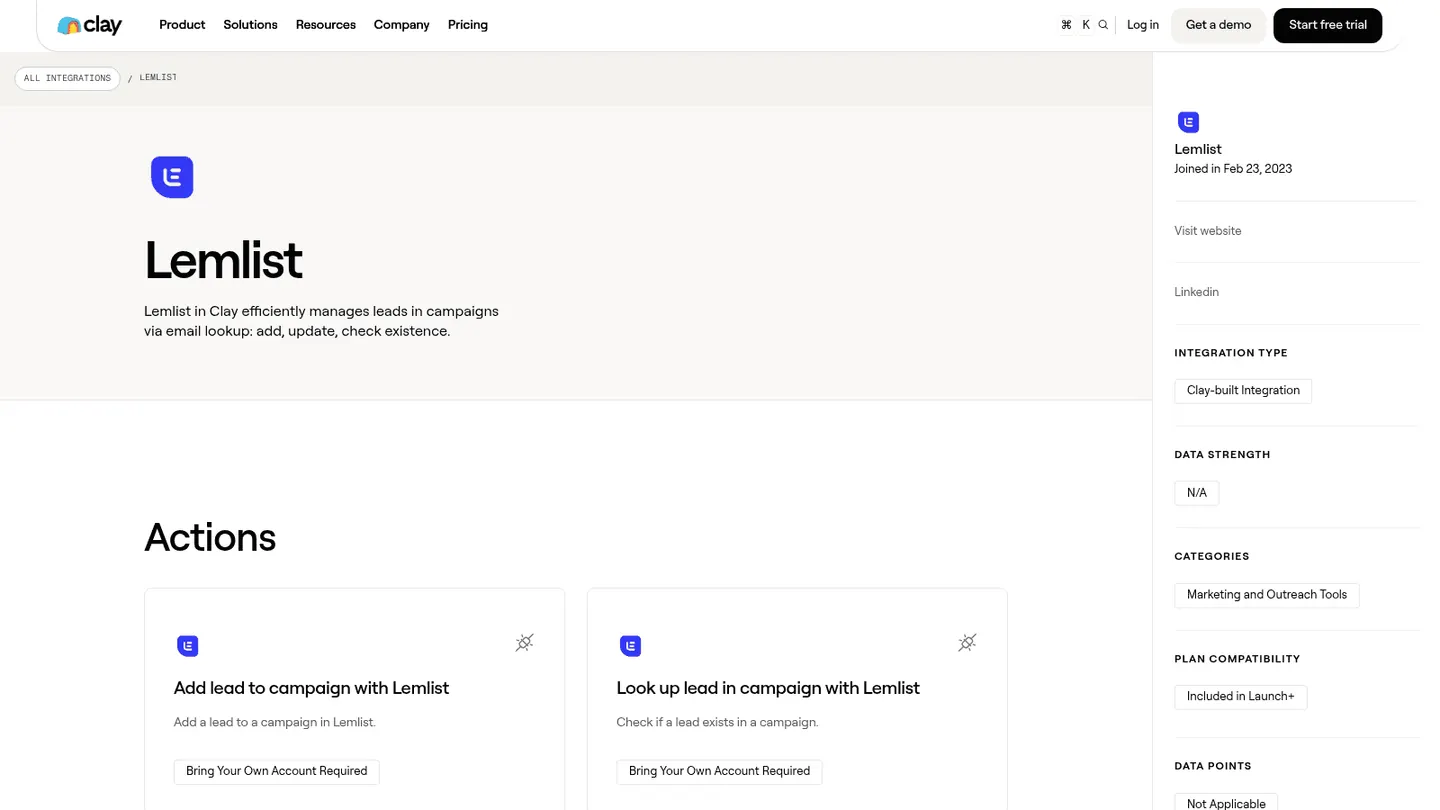
lemlist’s integration is the smallest of the email group, with three actions. Clay’s page sums it up: it “manages leads in campaigns via email lookup: add, update, check existence”. Everything keys on the email address, so each row needs one before it reaches lemlist.
Best for: Small teams mixing email and LinkedIn steps.
What syncs: Leads go in, and existing leads get updated or checked.
Direction: Clay to lemlist, with lookups.
Clay plan: “Included in Launch+”.
Where it shines:
- It’s quick to set up. Three actions cover adding, updating and checking leads.
- It checks for repeats. “Look up lead in campaign” stops a second enrollment.
Where it falls short:
- No results come back. No action returns reply status or campaign results.
- There’s no removal action. Taking someone out happens inside lemlist.
Verdict: Choose it when lemlist already runs your campaigns and you only need clean leads in.
7. HeyReach, Best for Automated LinkedIn Outreach
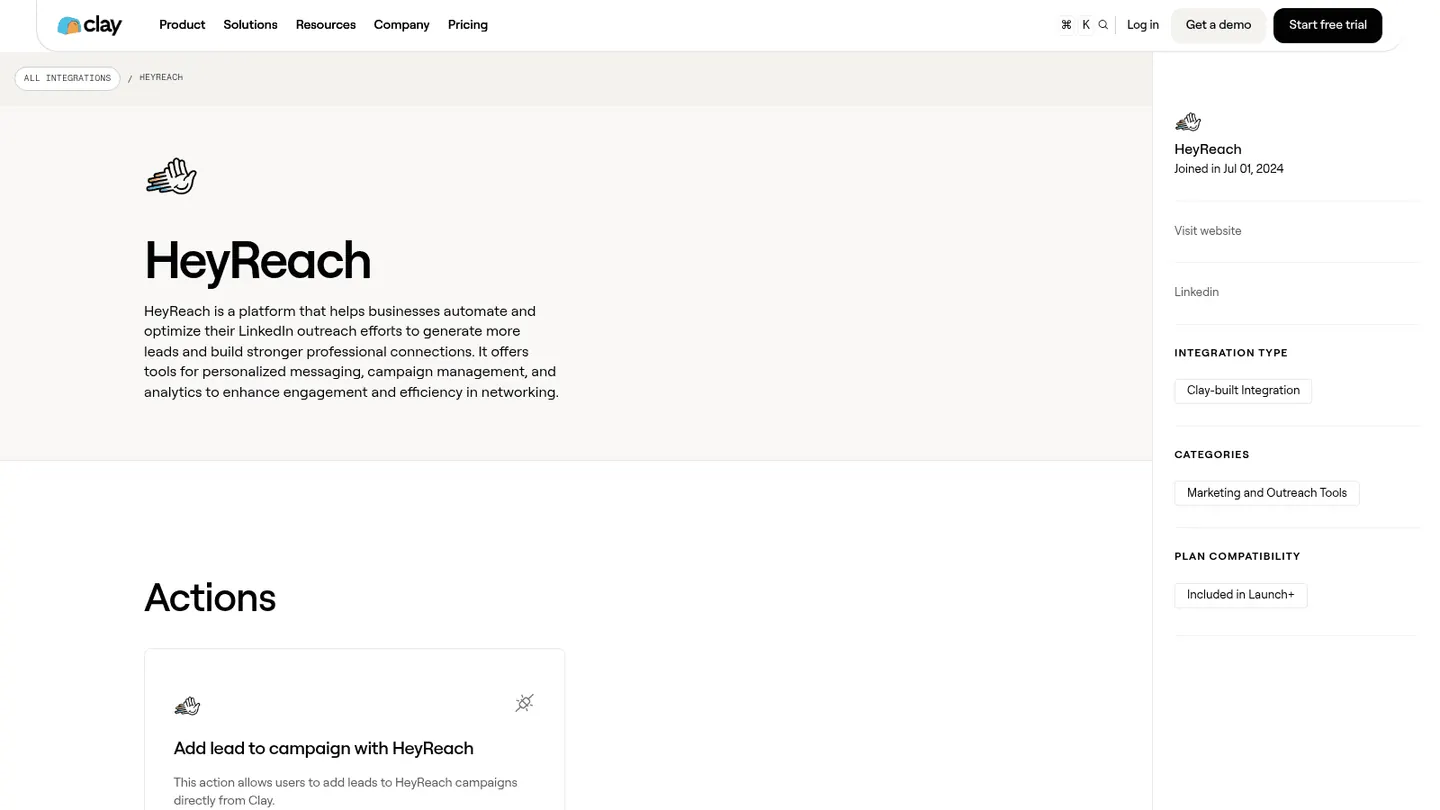
HeyReach has a single action: “Add lead to campaign”. Clay’s page says it adds “leads to HeyReach campaigns directly from Clay”. The work happens before that step, in the table that decides who gets a LinkedIn touch.
Best for: Teams automating LinkedIn outreach from a Clay table.
What syncs: Leads go into HeyReach campaigns.
Direction: Clay to HeyReach only.
Clay plan: “Included in Launch+”.
Where it shines:
- It’s on Launch. You can add LinkedIn to a table without paying for Growth.
- It pairs with email. The same row can go to an email sequencer in the next column.
Where it falls short:
- It’s one way. Nothing comes back to Clay from HeyReach.
- It can’t update leads. A changed record means a fix inside HeyReach.
Verdict: Add it when LinkedIn is a real channel for you, or hand the channel to a LinkedIn lead generation specialist.
Ad Platform Integration
Clay Ads is Clay’s own route to ad platforms, with no separate integration page per network. The pricing page lists “Unlimited ad audiences” on Growth, and its compare table marks the row “Not included” on Free and Launch. If LinkedIn is your main ad channel, our LinkedIn ads team can run the campaigns.
8. Clay Ads, Best for Syncing Target Accounts to Ads
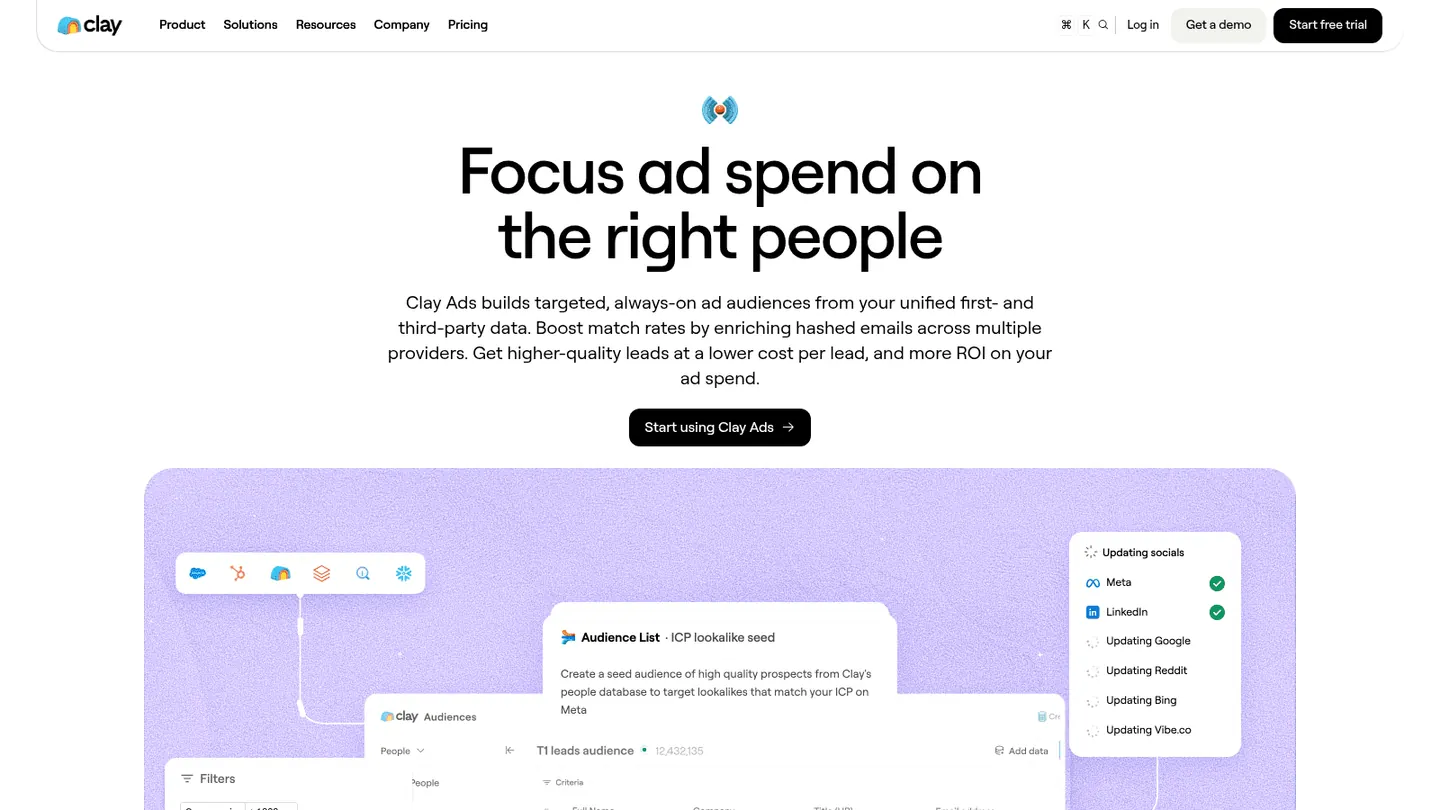
You build a segment in a Clay table, from your CRM, a data warehouse or a CSV, and Clay sends it out as an ad audience. Clay’s docs list six destinations: LinkedIn, Meta, Google, Bing, Vibe.co for connected TV, and Reddit.
Best for: Teams running ads to named accounts.
What syncs: Audiences of people or companies built in Clay.
Direction: Clay to each ad platform you pick.
Clay plan: Growth and Enterprise, per the pricing page.
Where it shines:
- Ads and outreach share a list. Ads and your sequencers work from the same table, so both reach one set of accounts.
- Audiences stay current. Clay’s Ads page says they “update automatically and sync back to every platform” as CRM fields and signals change.
Where it falls short:
- Account lists stop at LinkedIn. Every other destination in the docs needs contacts, so a company-only list reaches one network.
- Pages disagree on networks. The pricing table’s ad row names only LinkedIn and Meta, against six in the docs.
- Match rates are Clay’s figures. The page cites a “+30% increase in match rates”, so test with your own list before you put budget behind it.
Verdict: Turn it on once your CRM sync works, since a Clay Ads audience is only as clean as the records behind it.
Data Provider Integrations
Clay sells data from its own data enrichment marketplace, but some teams already hold a ZoomInfo or Apollo contract. Both integrations show “Included in All Plans”, and both require your own account.
9. ZoomInfo, Best for Reusing a ZoomInfo Contract
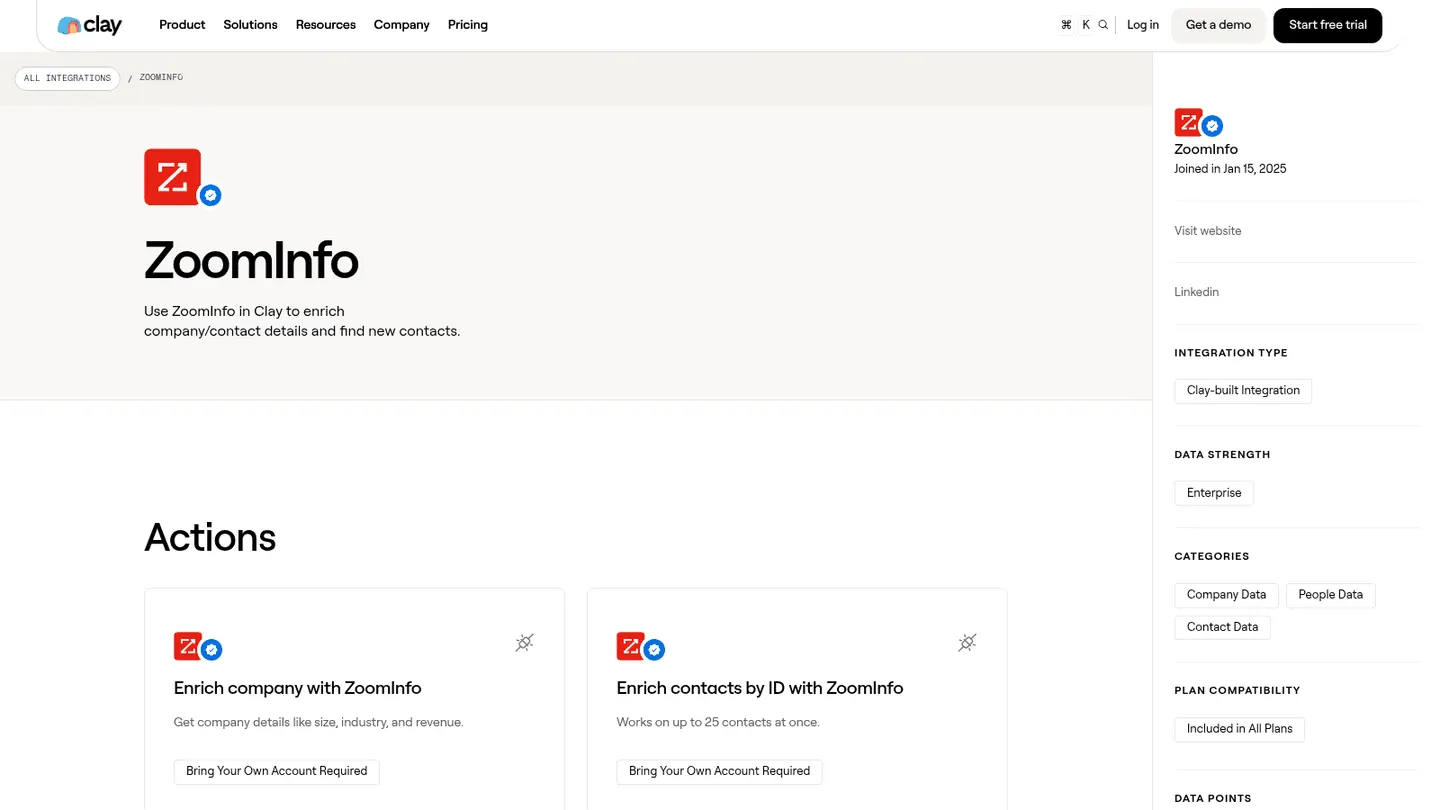
ZoomInfo’s integration has four actions. “Enrich company” returns “size, industry, and revenue”, and “Enrich contact” returns “email, phone, and title”. “Search contacts” finds new people at an account.
Best for: Teams already paying for ZoomInfo seats.
What syncs: Company and contact details come into Clay.
Direction: ZoomInfo to Clay.
Clay plan: “Included in All Plans”.
Where it shines:
- It uses data you’ve bought. Your contract does the lookups, not Clay’s marketplace.
- It batches. The “Enrich contacts by ID” action “Works on up to 25 contacts at once.”
Where it falls short:
- It needs a ZoomInfo account. Every action says “Bring Your Own Account Required”.
- It’s read-only. Nothing goes back to ZoomInfo.
Verdict: Connect it if ZoomInfo is already in your budget and you want one place to compare it with other enrichment options.
10. Apollo, Best for Teams Using Apollo for Data and Sequences
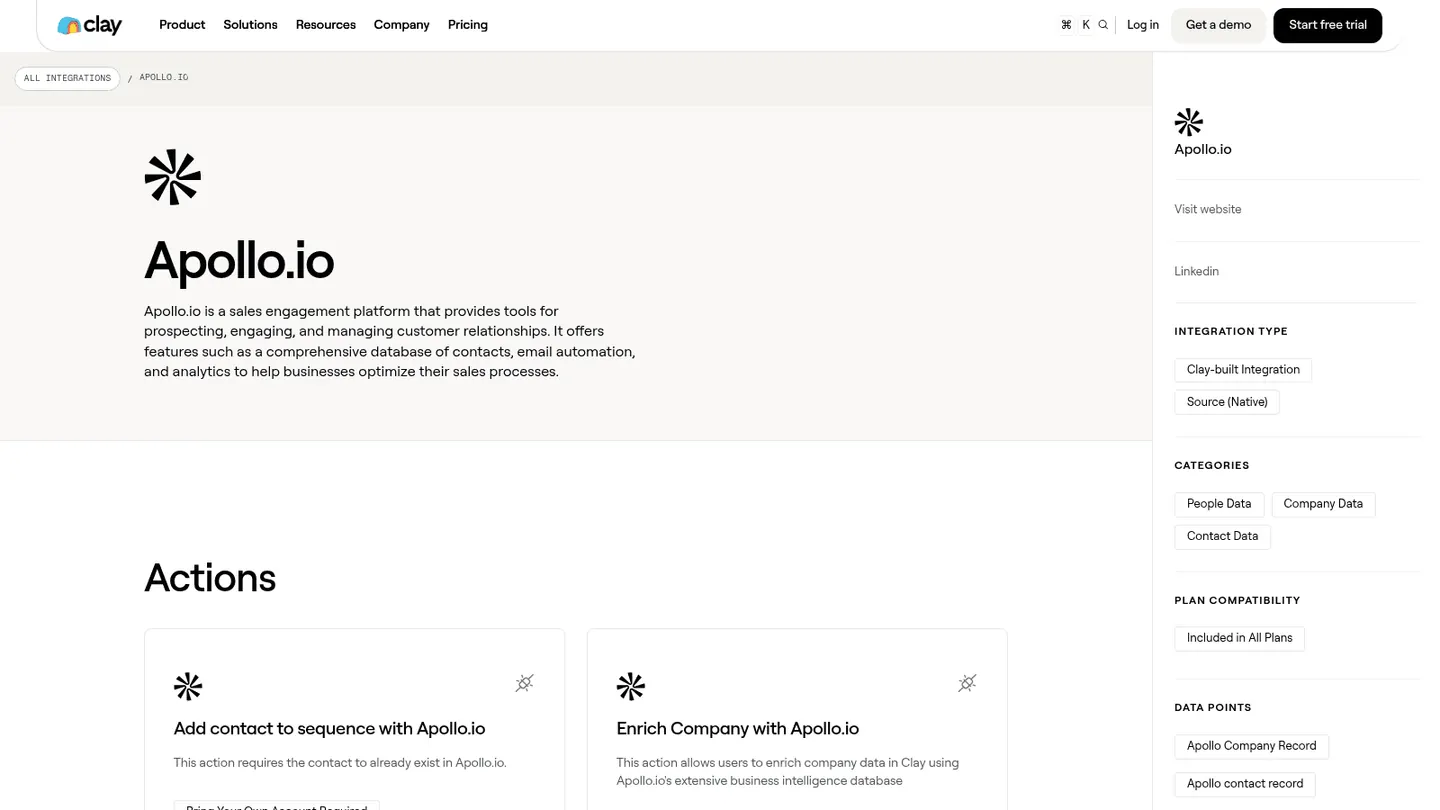
Apollo’s integration has 14 actions, the most of any tool in this guide. It enriches people and companies, finds people by job title and lists a company’s open jobs. It also writes back, adding contacts to Apollo sequences and updating their status.
Best for: Apollo users who enrich and send.
What syncs: People, companies and open jobs come in. Contacts and sequence status go out.
Direction: Both ways.
Clay plan: “Included in All Plans”.
Where it shines:
- It does two jobs. One account covers data and sending.
- It flags hiring. “Find Open Jobs” turns a company’s open roles into a signal you can filter on.
Where it falls short:
- Contacts must exist first. The “Add contact to sequence” action “requires the contact to already exist in Apollo.io”.
- Saved-contact search is plain text. Clay’s page recommends searching by email address.
Verdict: Use it if Apollo is already your sequencer, so your Clay table can enroll contacts and update their status there.
Automation, Alerts and Webhook Integrations
The last group connects Clay to people, and to most tools without a native integration. Slack shows “Included in All Plans”. Webhooks and the HTTP API need Growth, per the pricing page.
11. Slack, Best for Alerts and Human Approval
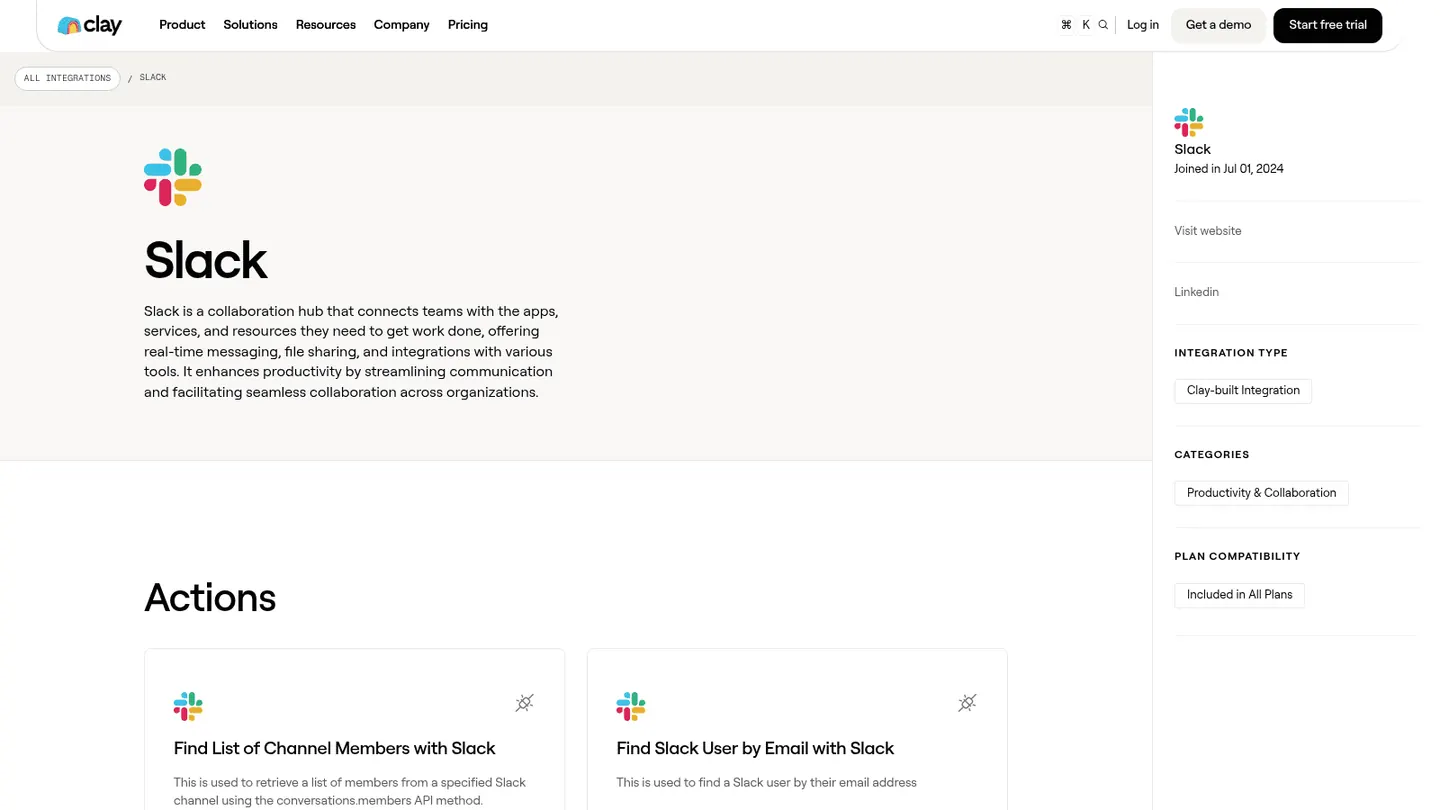
Slack’s integration has six actions, and three of them post to a channel: now, on a schedule or as an approval request. “Send for approval to Slack channel” adds “Approve and Deny buttons for human-in-the-loop approval workflows”.
Best for: Teams that want a person to approve sends.
What syncs: Messages and approval requests go to Slack channels.
Direction: Clay to Slack, plus an Approve or Deny answer on approval messages.
Clay plan: “Included in All Plans”.
Where it shines:
- It keeps people in the loop. A person can approve or deny a lead from Slack before it goes further.
- It finds owners. “Find Slack User by Email” tags the right person.
Where it falls short:
- Channel lookup is public only. “Get channel ID from channel name” returns public channels.
- It isn’t a record. Alerts tell people things, but the data still belongs in your CRM.
Verdict: Add it early. It’s on every plan, and an alert shows you what your table is doing.
12. Webhooks and HTTP API, Best for Tools Without a Native Integration
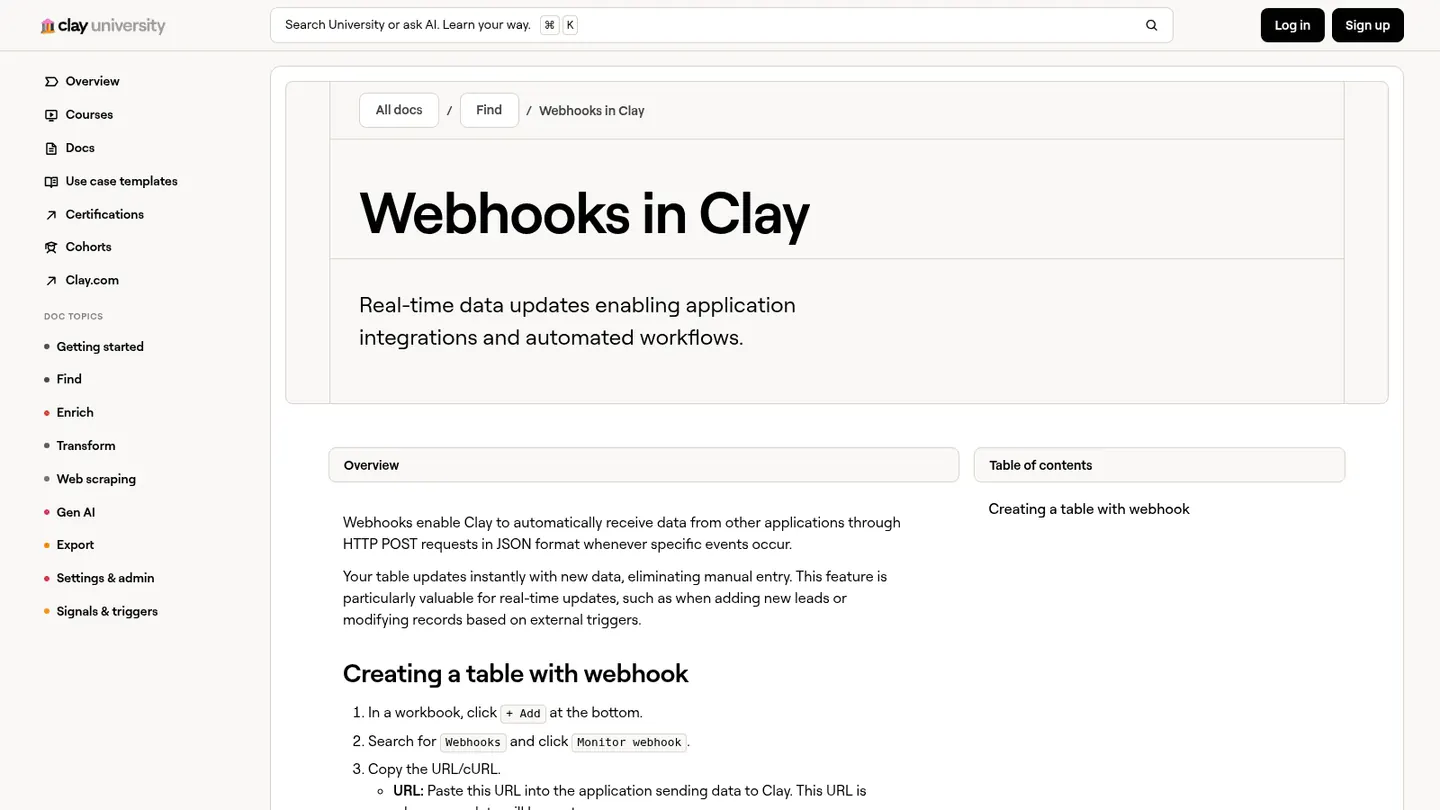
Webhooks bring data in. Clay’s docs say they “receive data from other applications through HTTP POST requests in JSON format”. The HTTP API works both ways: it can “send or retrieve data from any tool or database using an API endpoint”. Neither is Clay’s own Public API, the Clay API your code calls from outside to run Clay functions or read table rows.
Best for: Tools Clay doesn’t connect to natively, if they can send or receive HTTP requests.
What syncs: Any JSON payload comes in by webhook. GET, POST, PUT or DELETE calls go out.
Direction: Both ways.
Clay plan: Growth and Enterprise, per the pricing page.
Where it shines:
- It covers the gaps. Form tools, product events and internal apps can all post to a table.
- It can require auth. You can require the x-clay-webhook-auth header on every request.
Where it falls short:
- Webhook sources have a ceiling. They’re “limited to 50,000 submissions”, and deleting rows doesn’t reset the count unless you’re on Enterprise with auto-delete on.
- You maintain it. When the other tool changes its API, you fix the call yourself.
Verdict: Use it last, for the tools the 11 native integrations don’t reach.
How We Chose These Clay Integrations
We started from Clay’s integration directory and kept the tools that do one of five jobs: CRM, sequencing, ads, data and automation. Each entry had to have its own Clay page or doc that loaded on November 20, 2026, and a plan we could read there or on the pricing page. We dropped tools whose only route is a third-party connector, because Clay’s own pages don’t say what those sync.
We then read every action on each page and sorted it by what comes in and what goes out. That’s how each entry got its direction. Where a page and the pricing table disagreed, we said so in the entry rather than picking one.
We capped the list at 12, so Outreach and Salesloft are out, though both have Clay pages. The four sequencers we kept cover cold email (Instantly, Smartlead), email plus LinkedIn (lemlist) and LinkedIn alone (HeyReach). Outreach shows “Included in Launch+” and adds prospects to sequences, so it fits if your team already runs it.
Agencies that wire these integrations are a different purchase from the tools, so they sit in our Clay agencies roundup rather than this list.
Which Clay Plan Each Integration Needs
Growth is listed at $446 a month billed annually, or $495 billed monthly, on Clay’s pricing page on November 20, 2026. It’s the plan that opens CRM, webhook and HTTP API integrations. The table maps each plan to the integrations it opens.
| Clay plan | Integrations it adds | What stays locked |
|---|---|---|
| Free | ZoomInfo, Apollo, Slack (with your own accounts) | The four sequencers, CRM sync, webhooks, HTTP API, ad audiences |
| Launch | Adds Instantly, Smartlead, lemlist, HeyReach | CRM sync, webhooks, HTTP API, ad audiences |
| Growth | Adds HubSpot, Salesforce, Attio, webhooks, HTTP API, “Unlimited ad audiences” | Data warehouses, 15-minute source sync |
| Enterprise | Adds Snowflake, Fivetran, Postgres, Databricks and BigQuery | Nothing in this guide |
Sync speed is the other plan limit. Source syncs run once a day on Free, Launch and Growth, and only Enterprise gets “15 min”. Your Clay bill also depends on credits and actions, a separate meter from the plan fee.
Which Clay Integration to Connect First
Connect your CRM first, even if you send most of your volume by email. A Clay CRM sync takes Growth, since Launch doesn’t include it. A sequencer that can’t check the CRM can email customers and open deals. A cold email to a current customer damages trust with the people you already sell to.
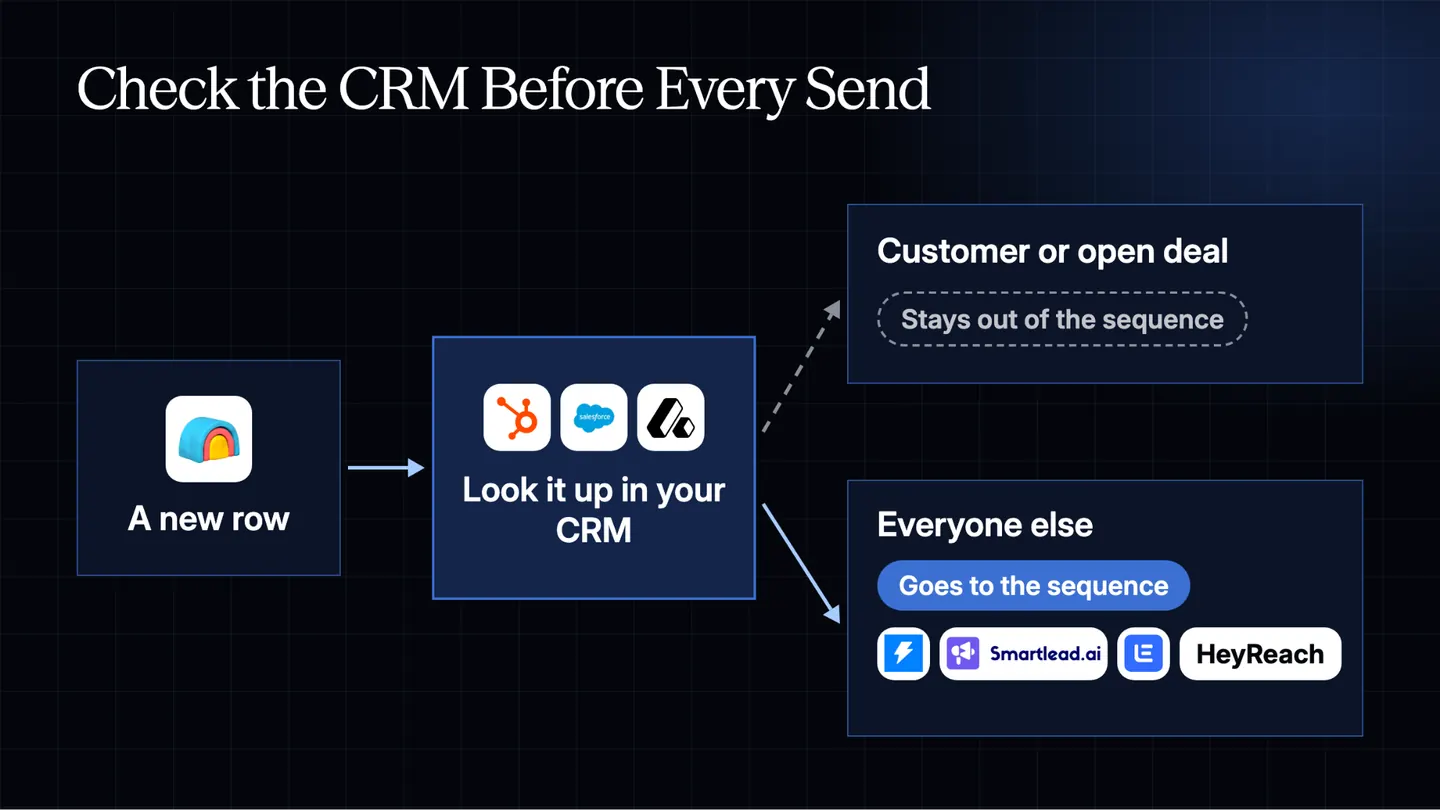
Look each new row up in your CRM, and hold customers and open deals out of the sequence.
Our work with Modash shows why the CRM check matters. Modash’s own HubSpot stayed the record, while Instantly sent the email, lemlist ran LinkedIn and Clay handled enrichment. The Modash case study records that each contact was checked in HubSpot before any send, which kept customers and open pipeline out of the sequences.
Ryan Prior, Head of Marketing at Modash, described the result: “We’ve already had around 650 positive replies over six months, which is really meaningful because these are from ICP companies we were not previously reaching with our other marketing channels.” That figure counts positive replies, not pipeline.
After the CRM, add one sequencer and Slack. Add Clay Ads once the account list holds up, and webhooks once a tool you need has no native integration.
Common Mistakes When Setting Up Clay Integrations
The write-back is where a Clay mistake reaches your CRM, so start by checking the data you’re writing over. Asked whether poor CRM data has “likely” or “definitely” cost their organization revenue, 62.4% of the 500 marketers in Validity’s 2026 survey said yes. Validity sells data-quality tools, and its sample was marketing professionals, not sales teams.
Each line below fixes one setup mistake. Put each fix in before your first sync.
- Run “Lookup object” in HubSpot, or match on Salesforce’s external ID, before you create a record, so a company already in the CRM isn’t added twice.
- Write to empty fields only, as our CRM hygiene workflow does: “Fill blanks, never overwrite a value set on purpose.”
- Separate Salesforce multi-select picklist values with semicolons, not commas.
- Use a SOQL import instead of a report for anything over 2,000 records.
- Plan for the 50,000-submission ceiling on each webhook source before you point a busy form at it.
Run each new integration on 10 rows first and check the result where it lands, in Clay or the other tool. A 10-row test shows you the write-back before the sync touches your whole table.
Get Your Clay Integrations Wired Into Your Pipeline
Frontal is a Clay Elite Studio Partner, and our GTM engineers build Clay workflows in your accounts, not ours. Most clients start with one service. On Clay’s Growth plan or above, we’d suggest you begin with CRM sync and duplicate checks, since the sequencers and ad audiences you add next rely on clean CRM records. Scope and pricing are set on the call.
If you’d like us to connect your integrations, book an intro call.
Frequently Asked Questions
What are the best Clay integrations in 2026?
For your CRM, pick HubSpot, Salesforce or Attio. For outreach, the best Clay integrations are Instantly, Smartlead, lemlist and HeyReach. Clay Ads covers ad audiences, ZoomInfo and Apollo bring in data you already license, and Slack plus webhooks handle alerts and custom tools. The right first pick is whichever CRM holds your records.
Is Clay a CRM?
No. Clay is a data and automation tool where you research, enrich and score records. Your CRM stays the record your sales team works from. Clay’s HubSpot, Salesforce and Attio integrations import records into Clay and write enriched fields back, and all three need the Growth plan or higher.
Does Clay have an API?
Yes. Clay’s Public API lets your own code call Clay to “Trigger functions, Claygents, or workflows” and read table rows. Clay’s developer docs say that platform “is available across all Clay plans”, while the pricing page lists “Clay API access” under Enterprise, so confirm it for your plan. Inside a table, the HTTP API integration and webhooks need Growth or Enterprise.
Which Clay plan do you need for the HubSpot integration?
You need Growth or Enterprise for the Clay HubSpot integration. Its page reads “Included in Growth+”, and the pricing page marks CRM integrations “Not included” on Free and Launch. You also need your own HubSpot account, since every action says “Bring Your Own Account Required”.
Can Clay send leads to Instantly or Smartlead on the Launch plan?
Yes. Instantly, Smartlead, lemlist and HeyReach all show “Included in Launch+” on their Clay integration pages. Each one adds leads to campaigns from a Clay table. Of the four, only Smartlead’s integration reads reply status back, through “Look up lead status in campaign”.
How often do Clay integrations sync?
Actions run when a row runs, so a lead reaches a sequencer as soon as its column fires. Source syncs, which pull records into Clay, run once a day on Free, Launch and Growth. Clay’s pricing page lists a 15-minute source sync on Enterprise only.
Does Frontal set up Clay integrations?
Yes. Frontal’s GTM engineering team connects Clay to HubSpot or Salesforce and to your email and LinkedIn sequencers, inside your own accounts. For records alone, our data enrichment service fills in accounts and contacts in Clay, writes them into HubSpot or Salesforce and keeps them current.