Play 23Outbound
Automated Reply Enrichment
Automated Reply Enrichment is a six-step outbound play for email and your CRM, from “Trigger on reply” to “Alert the rep”. It uses Instantly, Clay, BetterContact, Slack, ChatGPT and HubSpot.

Kenny Damian, Co-founder & Head of GTM
- Motion
- Outbound
- Channel
- Email, CRM
- Steps
- 6
- Tools
- 6
The workflow
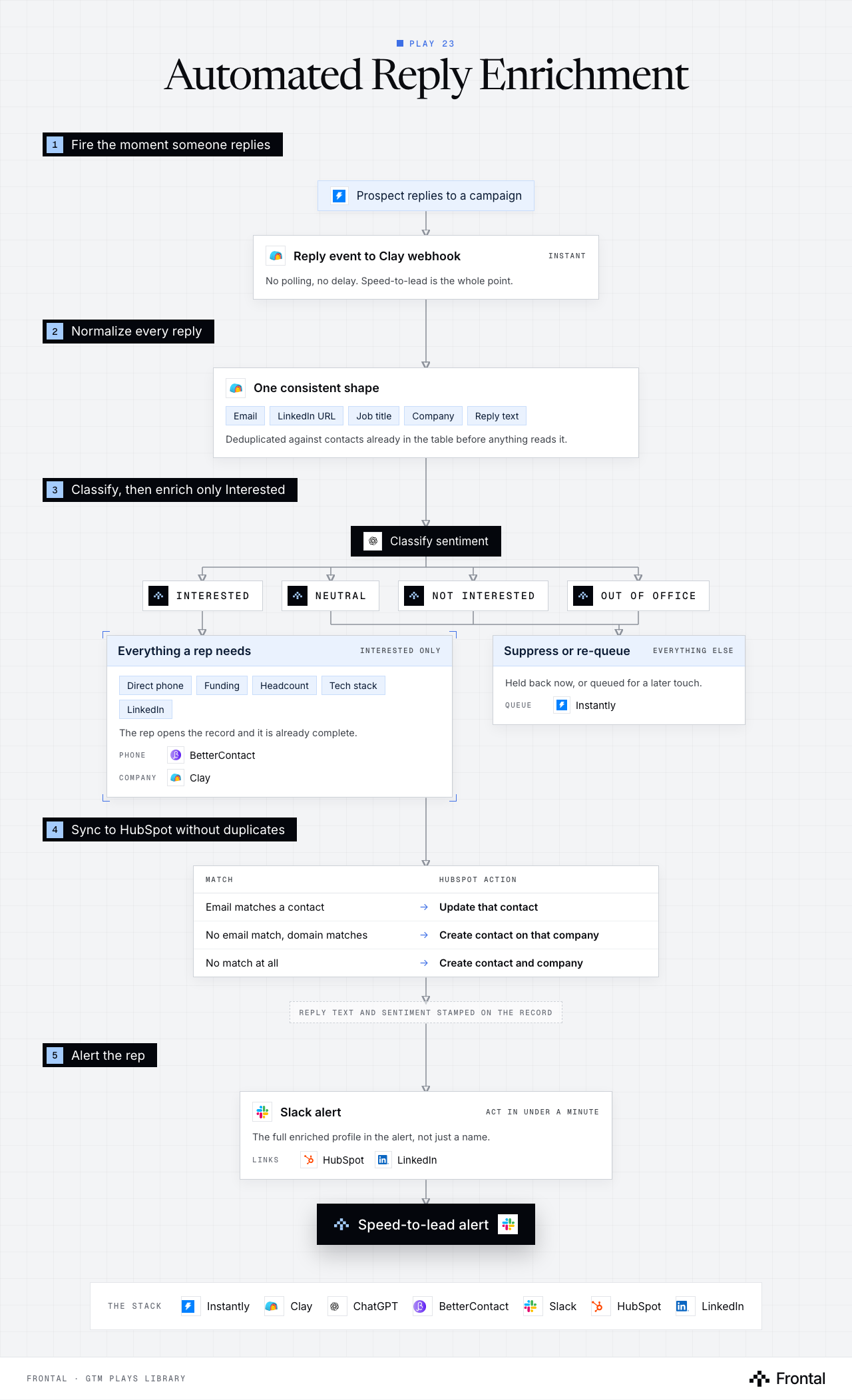
The diagram as text
1Fire the moment someone replies
- Prospect replies to a campaign. Tool: Instantly.
- Reply event to Clay webhook (instant): No polling, no delay. Speed-to-lead is the whole point. Tool: Clay.
2Normalize every reply
- One consistent shape: Email, LinkedIn URL, Job title, Company and Reply text. Deduplicated against contacts already in the table before anything reads it. Tool: Clay.
3Classify, then enrich only Interested
- Classify sentiment. Tool: ChatGPT.
- Interested
- Neutral
- Not interested
- Out of office
- Everything a rep needs (interested only): Direct phone, Funding, Headcount, Tech stack and LinkedIn. The rep opens the record and it is already complete. Phone: BetterContact. Company: Clay.
- Suppress or re-queue (everything else): Held back now, or queued for a later touch. Queue: Instantly.
4Sync to HubSpot without duplicates
- Match → HubSpot action
- Email matches a contact → Update that contact
- No email match, domain matches → Create contact on that company
- No match at all → Create contact and company
- Reply text and sentiment stamped on the record
- Match → HubSpot action
5Alert the rep
- Slack alert (act in under a minute): The full enriched profile in the alert, not just a name. Links: HubSpot and LinkedIn. Tool: Slack.
- Outcome: Speed-to-lead alert. Tool: Slack.
The stack: Instantly, Clay, ChatGPT, BetterContact, Slack, HubSpot, LinkedIn.
The play in six steps
Step 1: Trigger on reply
Speed-to-lead is the whole point. The webhook fires the moment someone replies.
- Instantly reply event posts to a Clay webhook.
- No polling, no delay.
Step 2: Normalize in Clay
Get every reply into one consistent shape before anything reads it.
- Email, LinkedIn URL, job title, company, reply text.
- Deduplicate against contacts already in the table.
Step 3: Classify sentiment
One AI call decides which of four paths the reply takes.
- Interested · Neutral · Not Interested · Out of Office.
- Only Interested continues into enrichment.
- Everything else is suppressed or re-queued for a later touch.
Step 4: Enrich the interested replies
A rep should open the record and already have everything.
- Direct phone via BetterContact.
- Company funding, headcount, tech stack.
- LinkedIn profile.
Step 5: Sync to CRM with dedup
Never create a duplicate off a reply.
- Match on email first, then company domain.
- Update the existing contact if found, create if not.
- Stamp the reply text and sentiment on the record.
Step 6: Alert the rep
The output is a Slack message a human can act on in under a minute.
- Full enriched profile in the alert, not just a name.
- Direct links to the CRM record and the LinkedIn profile.
Tools used
The six tools this play names. Each links to the other plays that use it.
Related plays
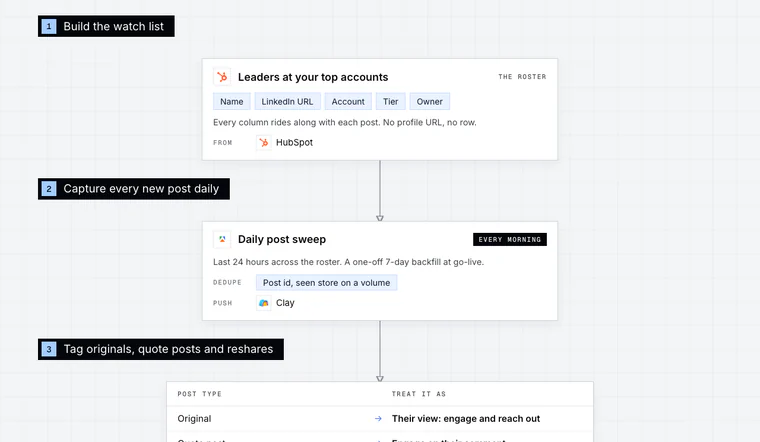
Target-Account Exec Posts
6 steps · LinkedIn, Email, CRM
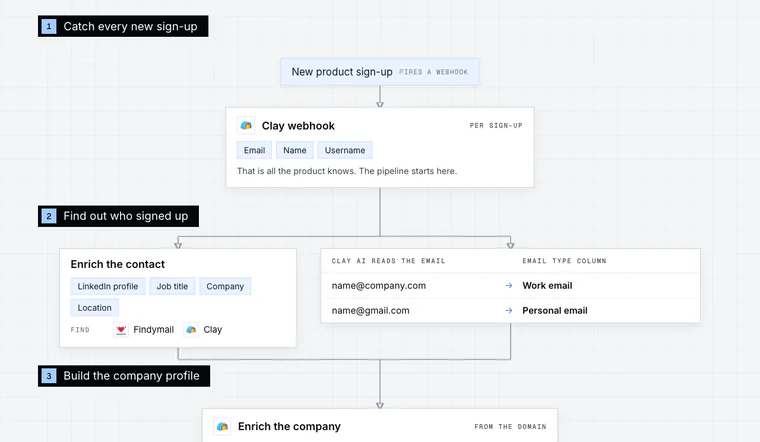
Product Sign-Up Outreach
7 steps · Email, LinkedIn
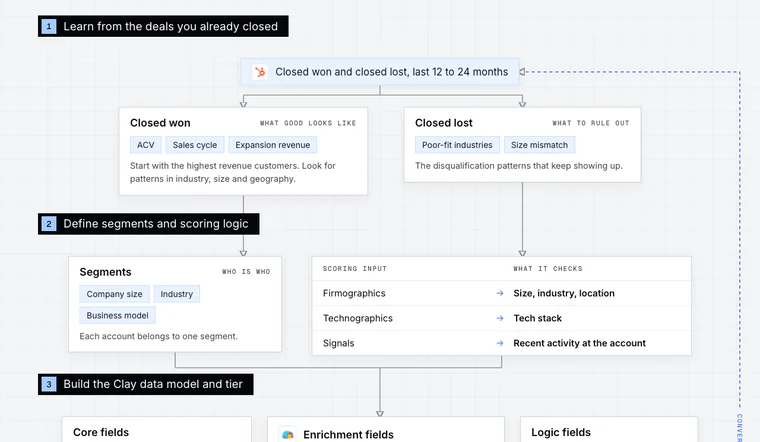
HubSpot Account Tiering & Scoring
7 steps · CRM

Have us run this play
Tell us what you're trying to hit this quarter, and we'll suggest where to start.