Play 40Outbound
Local Business TAM from Directories
Local Business TAM from Directories is a six-step outbound play for email and calls, from “Size the market before paying for it” to “Tier and load”. It uses Browserbase, Apify, Clay, Claude, Prospeo and four more tools.

Kenny Damian, Co-founder & Head of GTM
- Motion
- Outbound
- Channel
- Email, Call
- Steps
- 6
- Tools
- 9
The workflow
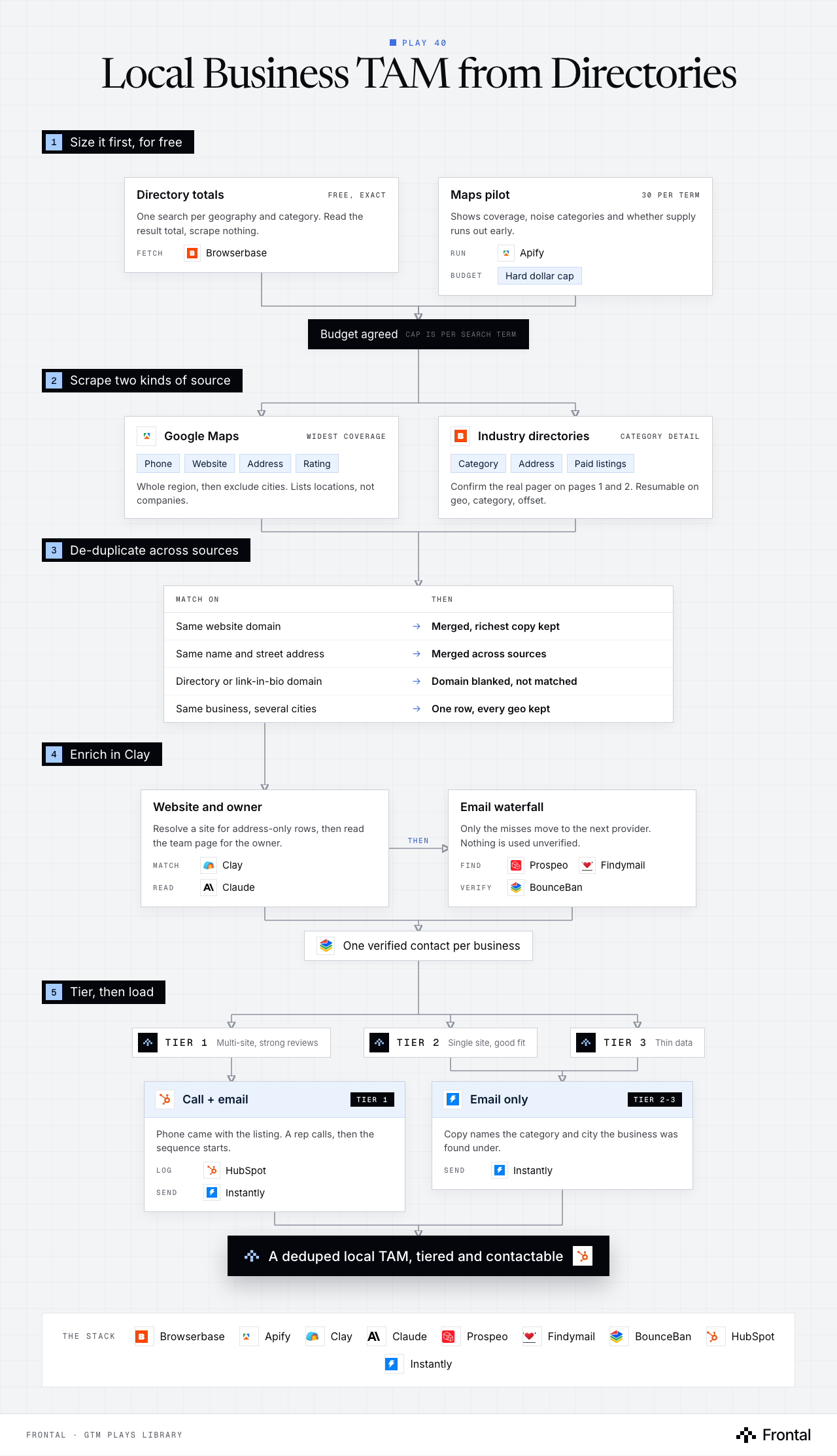
The diagram as text
1Size it first, for free
- Directory totals (free, exact): One search per geography and category. Read the result total, scrape nothing. Fetch: Browserbase.
- Maps pilot (30 per term): Shows coverage, noise categories and whether supply runs out early. Run: Apify. Budget: Hard dollar cap.
- Budget agreed: Cap is per search term.
2Scrape two kinds of source
- Google Maps (widest coverage): Phone, Website, Address and Rating. Whole region, then exclude cities. Lists locations, not companies. Tool: Apify.
- Industry directories (category detail): Category, Address and Paid listings. Confirm the real pager on pages 1 and 2. Resumable on geo, category, offset. Tool: Browserbase.
3De-duplicate across sources
- Match on → Then
- Same website domain → Merged, richest copy kept
- Same name and street address → Merged across sources
- Directory or link-in-bio domain → Domain blanked, not matched
- Same business, several cities → One row, every geo kept
- Match on → Then
4Enrich in Clay
- Website and owner: Resolve a site for address-only rows, then read the team page for the owner. Match: Clay. Read: Claude.
- Email waterfall: Only the misses move to the next provider. Nothing is used unverified. Find: Prospeo and Findymail. Verify: BounceBan.
- One verified contact per business. Tool: BounceBan.
5Tier, then load
- Tier 1: Multi-site, strong reviews.
- Tier 2: Single site, good fit.
- Tier 3: Thin data.
- Call + email (tier 1): Phone came with the listing. A rep calls, then the sequence starts. Log: HubSpot. Send: Instantly.
- Email only (tier 2 to 3): Copy names the category and city the business was found under. Send: Instantly.
- Outcome: A deduped local TAM, tiered and contactable. Tool: HubSpot.
Labelled connections: Then: Website and owner to Email waterfall.
The stack: Browserbase, Apify, Clay, Claude, Prospeo, Findymail, BounceBan, HubSpot, Instantly.
The play in six steps
Step 1: Size the market before paying for it
Local businesses are thin or missing in B2B databases, but most directories will tell you exactly how many listings exist before you scrape a single page.
- Read the result total off one Browserbase fetch per geography and category. It is free and exact.
- Run a Google Maps pilot on Apify at 30 places per search term to see coverage and noise.
- If every term hits 30, there is more supply. If terms come back short, the full run will stop early.
- Multiply the per-term cap by the number of terms. The cap is per term, not a total.
- Agree a hard dollar budget before the full run.
Step 2: Scrape Google Maps
Google Maps has the widest coverage of local businesses, with phone, website and address on most rows.
- Use the Apify Google Maps actor with two or three phrasings of each search term.
- Search a whole state or region, then exclude cities afterwards rather than in the query.
- Pass a max spend so Apify stops charging at the budget.
- Filter on category: broad terms pull in neighbouring trades.
- Remember Maps lists locations, not companies. A business with five offices appears five times.
Step 3: Add the industry directories
Trade and professional directories add businesses Maps misses, plus the category detail Maps does not hold.
- Fetch result pages with Browserbase. Server-rendered listings need no browser session or LLM.
- Find the parameter that really moves the page. Fetch page 1 and page 2 and confirm they differ before crawling.
- Category labels are exact strings. Test each one on a single fetch first.
- Make the crawl resumable on geography, category and offset, with retries.
- Expect contact data only on paid listings. Free listings usually carry name and address only.
Step 4: De-duplicate across sources and geographies
The same business turns up in several sources, several categories and several neighbouring cities.
- Match on website domain first, then normalised name plus street address.
- Blank directory and link-in-bio domains before matching on domain, or unrelated businesses collapse into one.
- Keep the richest copy of each record and a set of every category and geography it appeared under.
- Count rows with a CSV parser, not line counts: descriptions carry newlines.
Step 5: Enrich website, owner and email
Directories rarely publish emails, so the contact layer is built downstream in Clay.
- Resolve a website for rows that came in with a name and address only.
- Claude reads the about or team page to name the owner or principal.
- Run the email waterfall in Clay: Prospeo, then Findymail on the misses.
- Verify every address with BounceBan before it is used.
Step 6: Tier and load
A local TAM is large and uneven, so tiers decide where effort goes.
- Score on what the sources hold: number of locations, review count and rating, website quality, category fit.
- Tier 1 gets a call and an email. Lower tiers go to email only.
- Load companies and contacts into HubSpot, then send through Instantly.
- Keep the raw scrape so filters can be re-run for free later.
Tools used
The nine tools this play names. Each links to the other plays that use it.
Related plays
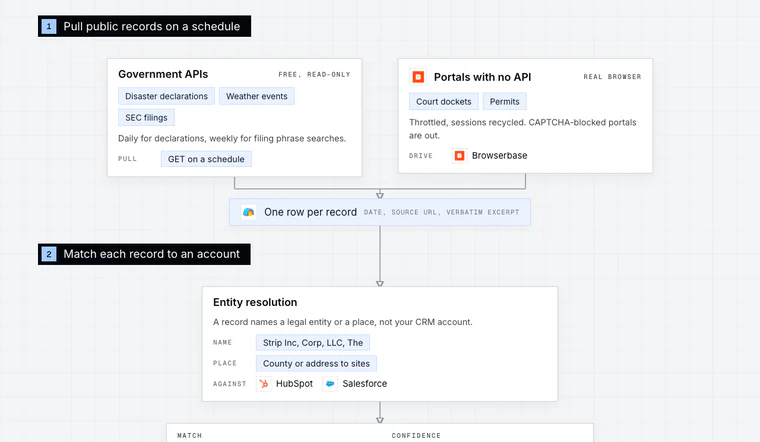
Public Records Signals
5 steps · Email, Call, CRM
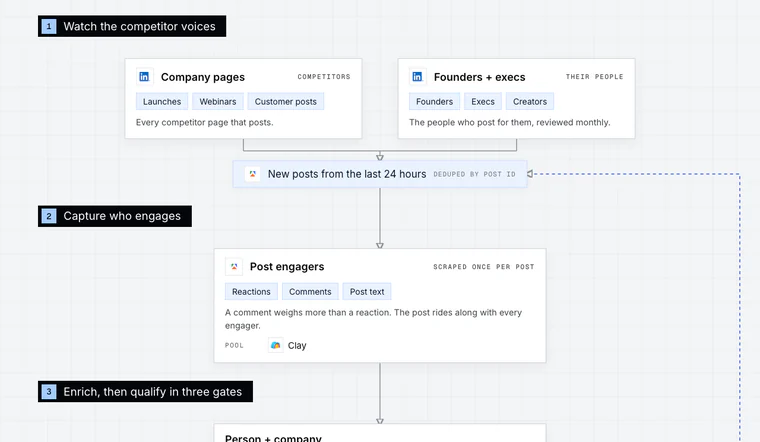
Competitor Post Engagers
6 steps · LinkedIn, Email, CRM
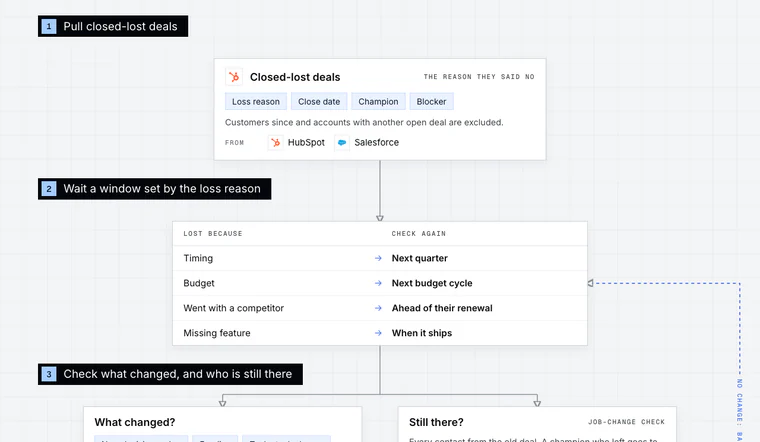
Closed-Lost Revival
7 steps · Email, LinkedIn, Call, CRM

Have us run this play
Tell us what you're trying to hit this quarter, and we'll suggest where to start.