Play 35Outbound
Competitor Post Engagers
Competitor Post Engagers is a six-step outbound play for LinkedIn, email and your CRM, from “Pick the competitor voices to watch” to “Multi-thread the account”. It uses LinkedIn, Apify, Clay, AI Ark, Prospeo and seven more tools.

Kenny Damian, Co-founder & Head of GTM
- Motion
- Outbound
- Channel
- LinkedIn, Email, CRM
- Steps
- 6
- Tools
- 12
The workflow
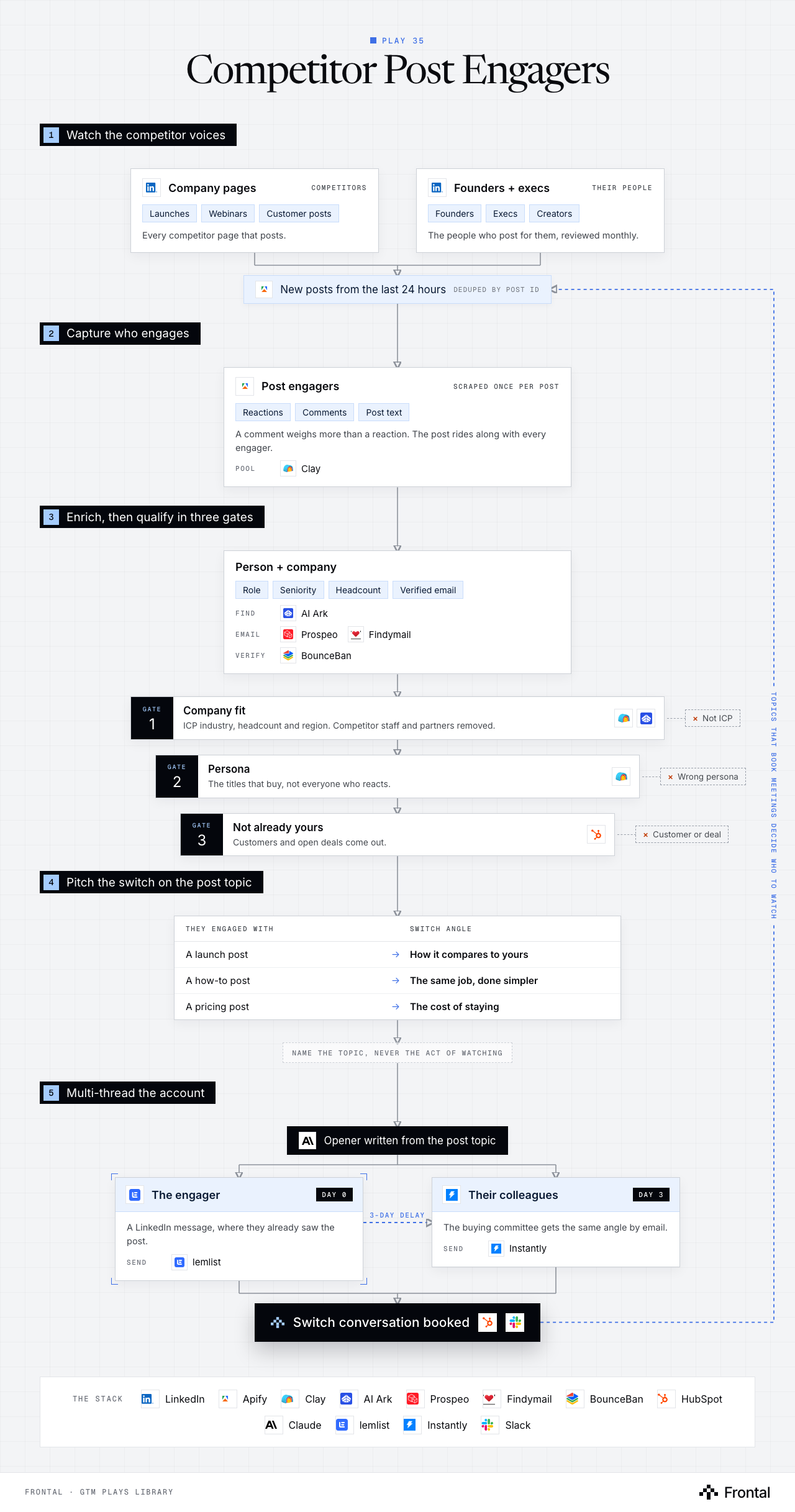
The diagram as text
1Watch the competitor voices
- Company pages (competitors): Launches, Webinars and Customer posts. Every competitor page that posts. Tool: LinkedIn.
- Founders + execs (their people): Founders, Execs and Creators. The people who post for them, reviewed monthly. Tool: LinkedIn.
- New posts from the last 24 hours: Deduped by post id. Tool: Apify.
2Capture who engages
- Post engagers (scraped once per post): Reactions, Comments and Post text. A comment weighs more than a reaction. The post rides along with every engager. Pool: Clay. Tool: Apify.
3Enrich, then qualify in three gates
- Person + company: Role, Seniority, Headcount and Verified email. Find: AI Ark. Email: Prospeo and Findymail. Verify: BounceBan.
- Gate 1: Company fit: ICP industry, headcount and region. Competitor staff and partners removed. Dropped: Not ICP. Tools: Clay and AI Ark.
- Gate 2: Persona: The titles that buy, not everyone who reacts. Dropped: Wrong persona. Tool: Clay.
- Gate 3: Not already yours: Customers and open deals come out. Dropped: Customer or deal. Tool: HubSpot.
4Pitch the switch on the post topic
- They engaged with → Switch angle
- A launch post → How it compares to yours
- A how-to post → The same job, done simpler
- A pricing post → The cost of staying
- Name the topic, never the act of watching
- They engaged with → Switch angle
5Multi-thread the account
- Opener written from the post topic. Tool: Claude.
- The engager (day 0): A LinkedIn message, where they already saw the post. Send: lemlist.
- Their colleagues (day 3): The buying committee gets the same angle by email. Send: Instantly.
- Outcome: Switch conversation booked. Tools: HubSpot and Slack.
Labelled connections: 3-day delay: The engager to Their colleagues.
Feedback loop: Topics that book meetings decide who to watch (from Switch conversation booked back to New posts from the last 24 hours).
The stack: LinkedIn, Apify, Clay, AI Ark, Prospeo, Findymail, BounceBan, HubSpot, Claude, lemlist, Instantly, Slack.
The play in six steps
Step 1: Pick the competitor voices to watch
A competitor's posts pull in people who are thinking about the problem right now, often while they evaluate.
- List each competitor's LinkedIn company page plus the founders and execs who post for them.
- Add the creators and partners who post on their behalf.
- Review the list monthly: people change jobs and voices go quiet.
- This is post engagement, not page followers. A follow is passive, a comment on a launch post is not.
Step 2: Capture new posts and their engagers daily
Each post is scraped once, inside a fixed window, so the list stays fresh and nobody is counted twice.
- An Apify post detector pulls every post from the last 24 hours across the roster.
- Dedupe on the post id, not the URL. The same post can come back twice.
- A second Apify actor scrapes the reactions and comments on each new post.
- Keep the post text, the engagement type and the comment text with every engager.
- A comment is a stronger signal than a reaction. Weight it higher.
- Everything lands in one engager pool in Clay.
Step 3: Enrich the person and the company
A LinkedIn profile is not enough to qualify or reach someone.
- Company and person data from AI Ark: industry, headcount, role, seniority.
- Verified email through a waterfall in Clay: Prospeo, then Findymail, verified with BounceBan.
- Keep the engager's LinkedIn URL as the key, so a person who engages with several competitors is one row, not three.
Step 4: Qualify in three gates
Most engagers are peers, fans and the competitor's own staff. The gates leave the buyers.
- Gate 1, company fit: industry, headcount and region match the ICP. Competitor employees and partners come out.
- Gate 2, persona: the titles that buy, not everyone who reacts.
- Gate 3, not already yours: drop customers and anyone on an open deal in HubSpot.
- Claude tags the post topic so the next step knows the angle.
Step 5: Pitch the switch on the post topic
They already told you what they care about by engaging with it. The opener starts there.
- Claude maps the topic of the post to a switch angle.
- A launch post: how it compares to what they would get from you.
- A how-to post: the same job done more simply.
- A pricing or packaging post: the cost of staying.
- Talk about the topic, never about having watched them engage.
- Claude maps the topic of the post to a switch angle.
Step 6: Multi-thread the account
The engager hears it where they already were. Their colleagues hear the same story by email.
- Day 0: the engager gets a LinkedIn message through lemlist.
- Day 3: colleagues on the buying committee get an email through Instantly with the same angle.
- Log every touch in HubSpot and alert the owner in Slack when a reply comes in.
- Track which competitor and which topic book meetings, and watch more of those voices.
Tools used
The twelve tools this play names. Each links to the other plays that use it.
Related plays
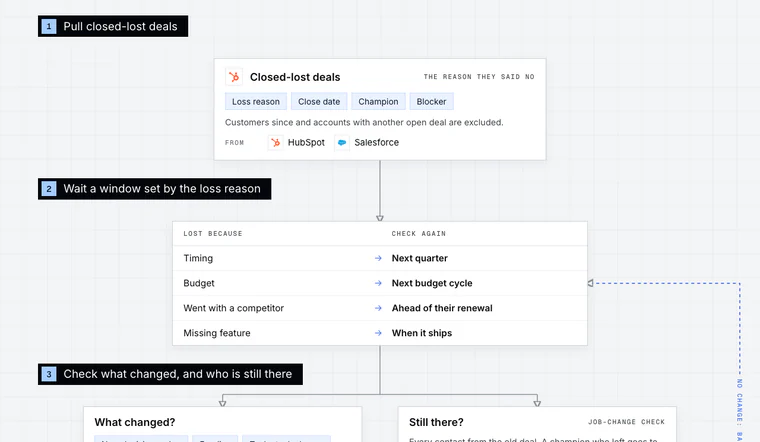
Closed-Lost Revival
7 steps · Email, LinkedIn, Call, CRM
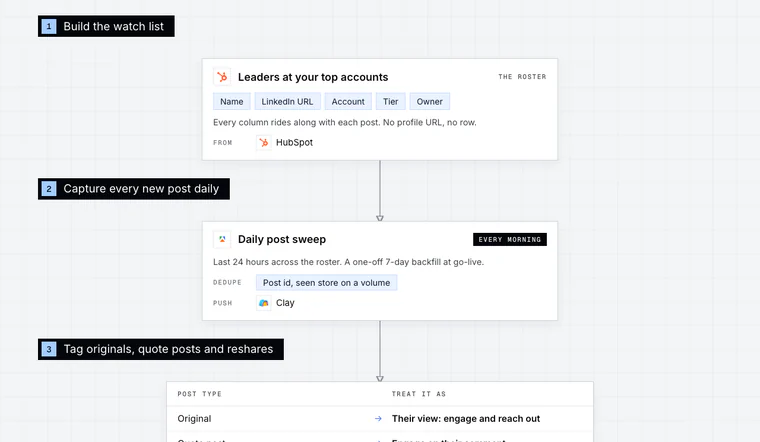
Target-Account Exec Posts
6 steps · LinkedIn, Email, CRM
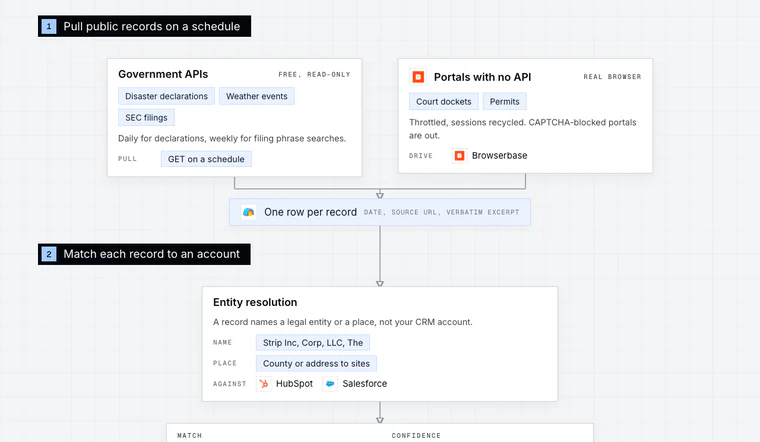
Public Records Signals
5 steps · Email, Call, CRM

Have us run this play
Tell us what you're trying to hit this quarter, and we'll suggest where to start.