Key Takeaways
- Frontal AI is best for post-PMF B2B teams that want enrichment, signal, and outbound tools connected to HubSpot, Salesforce, or Attio by operators who stay on to run them.
- Aptitude 8 is best for HubSpot teams that need engineering-led integrations.
- Fast Slow Motion is best for smaller and mid-sized businesses that need one partner to keep Salesforce and HubSpot in sync.
- Struto is best for HubSpot teams that want a subscription platform to connect finance and ERP systems with published pricing.
- Instrumental Group is best for HubSpot teams that want integration work planned alongside their website and campaigns.
Every tool you add to your stack, from enrichment to outbound, writes something into your CRM. When those connections aren’t set up properly, reps call prospects with outdated details, your ad platforms keep targeting closed accounts, and pipeline reports change depending on which tool you open.
If your team spends more time patching data between tools than acting on it, you need a CRM integration agency to connect your stack and keep every system writing to the same record.
This guide compares the five best CRM integration agencies for B2B SaaS in 2026, including their key services, where they shine, where they fall short, and who they’re best for.
How we built this list: every agency here earned its place on the integration work it delivers, the systems it connects, how it scopes the work, and how it supports integrations after launch. Frontal AI is included in this comparison and held to the same criteria as every other provider.
What Does a CRM Integration Agency Do?
A CRM integration agency plans how data moves between your CRM and the rest of your stack, then builds and maintains those connections. Depending on the systems involved, the build usually takes one of three forms:
- Native connectors: These are the prebuilt integrations HubSpot, Salesforce, and most GTM tools offer out of the box. They’re quick to switch on, and the agency’s job is getting the field mapping, sync direction, and sync frequency right.
- iPaaS and workflow tools: Platforms like Zapier, Make, and n8n chain several tools together when no single connector does the job, such as creating an invoice in your billing tool and a project in your onboarding tool when a deal closes.
- Custom API and middleware builds: This is code written against each system’s API, or a middleware layer that sits between them. It covers legacy and in-house systems that no prebuilt connector reaches.
Most B2B SaaS stacks end up running a mix of all three. Integration also assumes the underlying CRM is set up properly, so if you’re still configuring the platform, start with our breakdown of the best CRM implementation services.
Top 5 CRM Integration Agencies for B2B SaaS in 2026
| Agency | Best For | Standout Strength | Starting Price |
|---|---|---|---|
| Frontal AI | Post-PMF B2B teams that want their GTM stack running through one CRM | Embedded senior operators who build and run integrations across HubSpot, Salesforce, or Attio | Custom |
| Aptitude 8 | HubSpot teams connecting a data warehouse, ERP, or internal tools | Five integration approaches, from iPaaS to fully hosted custom builds | Custom |
| Fast Slow Motion | Growing businesses running Salesforce and HubSpot side by side | Summit and Elite partner tiers, with integration experts on both CRMs | Custom |
| Struto | HubSpot teams connecting finance and ERP systems | Published connector pricing and time-to-value estimates for every pack | From approx. $235/mo/connector |
| Instrumental Group | HubSpot teams that want integrations, website, and campaigns built together | Systems, website, growth, and creative teams working from one customer journey | Custom |
1. Frontal AI: Best for Post-PMF B2B Teams That Want Their GTM Stack Running Through One CRM
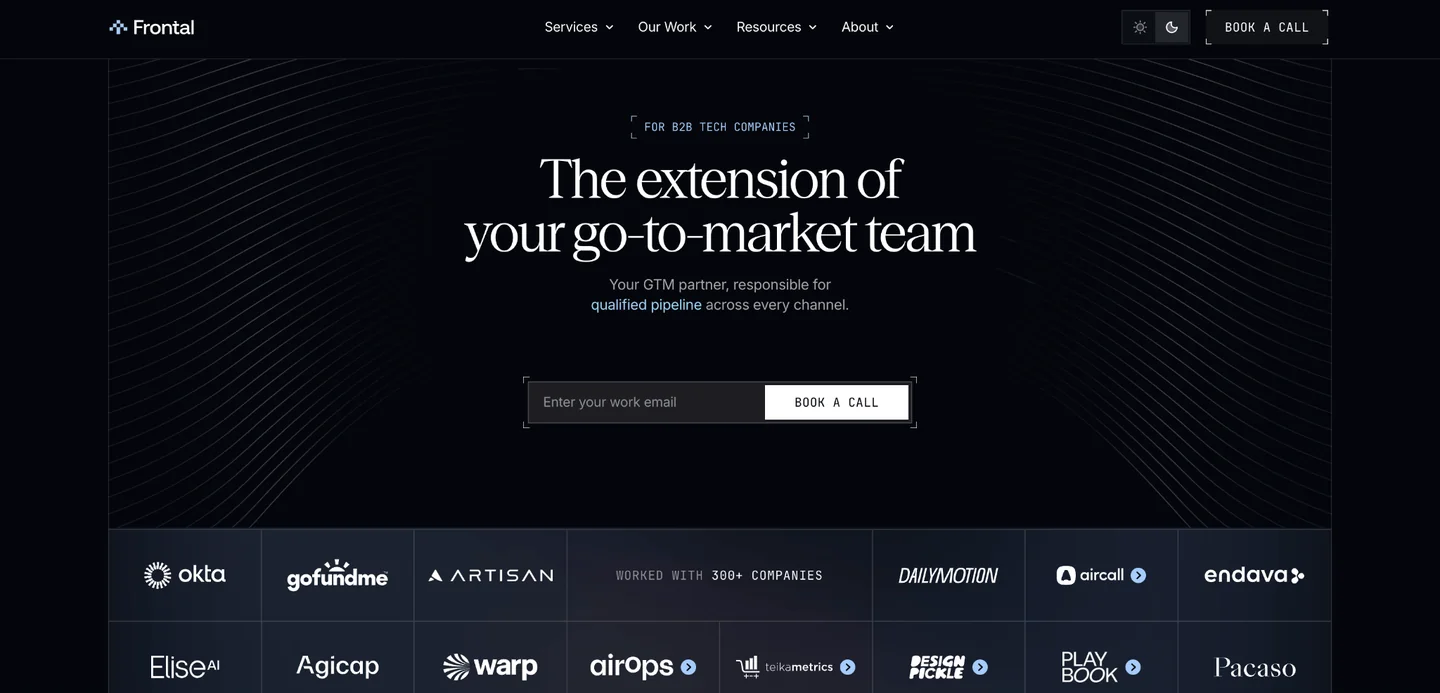
Frontal AI is a go-to-market partner for B2B tech companies with product-market fit and an existing sales team. We work as an extension of your go-to-market team and own the agreed-upon work across GTM Services, Account-Based Marketing, Paid Media, Content Engineering, and RevOps. You can start with one service and add others as your priorities grow.
CRM integration is part of our RevOps service. We connect the tools your revenue team relies on to HubSpot, Salesforce, or Attio, and we build, run, and keep improving those connections. We’re a HubSpot Solutions Partner, a Salesforce Partner, and a Clay Elite Studio Partner, and we’ve worked with over 300 B2B companies.
Frontal AI Key Services
1. Your GTM Tools Connected to HubSpot, Salesforce, or Attio
Enrichment platforms, signal trackers, sequencers, meeting tools, and forms all want to write to the same contact. Left alone, they overwrite each other. A rep corrects a prospect’s job title after a call, and the next enrichment run puts the old one back.
We fix this at the source by agreeing on which system owns each field before anything syncs:
- Rep-entered fields stay protected from automated updates
- Records coming in from outbound, forms, and imports get matched and merged, so one person stays one contact
- Sync rules are documented, so anyone on your team can see why a field holds the value it does
If you’re switching platforms or starting from scratch, we handle the setup and migration as part of the same work.
2. Enrichment and Signal Workflows That Write Back Automatically
We build workflows in Clay and n8n that research new accounts as they enter the CRM, fill in what’s missing, and rank each one by fit. The tier and any buying signals worth acting on go straight into the record, where your reps already work. Clay stays the enrichment layer, and your CRM remains the system of record.
Say a champion from a closed-won deal starts a new job at a company in your target market. The workflow picks up the move, creates or updates the account, attaches the history, and flags the owner, so the rep knows when to reach out and has the context to open with. If enrichment is your biggest gap, we’ve also compared the best lead enrichment services.
3. Routing, Alerts, and Reporting on Connected Data
Once the data moves cleanly, the CRM can act on it. We set up:
- Lead scoring and routing that sends each lead to the right rep with its history attached
- Slack alerts when a high-fit account shows a signal worth following up
- Automatic handoffs between marketing, sales, and customer success
- Multi-touch attribution, funnel reporting, and forecasting in HubSpot or Salesforce
We build it, run it, and keep improving it. If you want to take it in-house later, we can hand it over. You can start with RevOps on its own, or connect it to GTM Services, Account-Based Marketing, Paid Media, or Content Engineering when you’re ready.
For more on the handoffs and routing behind this, read our guide to sales workflow automation.
Frontal AI Pricing
Frontal AI doesn’t publish set pricing, since the scope depends on how many systems you’re connecting, the state of the data inside them, and which services are in play. Book a call, and we’ll walk you through what we’d connect first.
Where Frontal AI Shines
- Senior operators embedded in your team: The operators who map your stack are the same people who build the integrations and keep them running, and they stay accountable for how the connections perform.
- One record behind outbound, ads, and content: When other services are in scope, they use the same connected CRM data. Your reps prospect the same accounts your LinkedIn and Google campaigns target, and both report against the same pipeline.
- Built around how your team sells: Our integration work sits next to the outbound and enrichment work we run every day. Each connection is designed around how your reps find, work, and close accounts.
Where Frontal AI Falls Short
- Back-office integrations need a specialist: If the job is connecting your CRM to an ERP, billing platform, or product database with no GTM work attached, a dedicated systems integrator might be a better fit.
- Not built for limited-scope jobs: If you just need to switch on and map a single native integration, your CRM admin or the vendor’s onboarding team can usually handle it without bringing in an outside team.
Frontal AI Client Results
For Aircall, we built and enriched 3,655 accounts over six months into a self-updating market database. We standardized data from several vendors against one shared set of field definitions and wrote it back to Salesforce on a schedule, so the team stopped maintaining lists by hand.
For AirOps, we built the account-based system inside the company’s own HubSpot and ran a combined-channel program on top of it, generating $7.83 million in qualified pipeline and $1.52 million in closed-won revenue over 10 months.
Read more Frontal AI case studies →
Who Frontal AI Is Best For
- Post-PMF B2B tech companies whose stack grew tool by tool: Clay, a sequencer, and a signal tracker are all running, yet reps still copy data between them.
- RevOps and GTM engineering leads short on hands: You know which integrations need fixing, but the backlog keeps winning over the time you have to build them.
Is your stack full of tools that don’t talk to each other? Tell us what’s connected and what’s breaking, and we’ll walk through what Frontal AI would wire up first. Book a call.
2. Aptitude 8: Best for HubSpot Teams Connecting a Data Warehouse, ERP, or Internal Tools
Aptitude 8 is a technical consulting firm and Elite HubSpot Solutions Partner that builds HubSpot into the center of a company’s go-to-market tech stack. It holds HubSpot’s Custom Integration Accreditation, with solutions architects designing the data model and full-stack HubSpot developers building the integrations around it.
Key Services
- iPaaS integrations: Builds on platforms like Tray.io, Workato, and Syncari, scoped, built, and documented by Aptitude 8.
- Custom coded actions and CRM apps: Workflows in HubSpot Operations Hub Pro that call external systems through their APIs, plus custom apps embedded directly in the HubSpot CRM.
- Hosted custom integrations: Fully custom builds deployed on Azure, AWS, or Google Cloud for cases where iPaaS isn’t flexible enough or gets too expensive at scale. You can run them in-house or have Aptitude 8 host and support them as a managed service.
- Data warehouse integration: Two-way data movement between HubSpot and warehouses like BigQuery, Snowflake, and Azure, including reverse ETL through tools like Hightouch, Census, and Segment.
Pricing
Aptitude 8 doesn’t share pricing on its website, so contact its team for a quote scoped to your integration.
Where Aptitude 8 Shines
- Safeguards built into every build: Structured data models, role-based permissions, validation processes, and integration safeguards are standard parts of its delivery, so the CRM stays reliable as more systems connect to it.
- Fully in-house delivery: A US-based team handles all work, with no outsourced or white-label contractors.
- Support for teams building their own integrations: If you’re building your product’s HubSpot integration in-house, Aptitude 8 can advise on architecture, help choose the right endpoints, and review your developers’ code.
Where Aptitude 8 Falls Short
- Built around HubSpot: Every service it offers centers on HubSpot, so a team that wants to keep Salesforce as its main CRM will need a different partner.
- Some builds assume in-house ownership: iPaaS integrations are handed off for your team to run after launch. If you don’t have ops or IT capacity to maintain them, plan for a managed services agreement from the start.
Who Aptitude 8 Is Best For
- HubSpot customers whose stack has outgrown marketplace apps: It’s a strong fit when legacy systems, internal tools, or custom workflows need connections that HubSpot’s App Marketplace can’t provide.
3. Fast Slow Motion: Best for Growing Businesses Running Salesforce and HubSpot Side by Side
Fast Slow Motion is a Salesforce Summit Tier Partner and HubSpot Elite Tier Partner, founded in 2014. Its consultants, solutions architects, and developers work across both platforms, so one team can handle the integration work on either CRM.
Key Services
- Systems integration: Developers and integration experts who connect Salesforce or HubSpot to the rest of your tech stack. On the Salesforce side, its product expertise includes MuleSoft, Data 360, and Slack. On the HubSpot side, it covers Data Hub and Commerce Hub.
- Legacy CRM migrations: A cost-conscious migration strategy for moving off an older system, followed by hands-on help executing it.
- Quickstart implementation packages: Four-week packages that set up a working foundation on Salesforce or HubSpot, starting with the processes that deliver the fastest wins.
- Remediation and turnarounds: Fixes for Salesforce orgs with low adoption or setups that aren’t delivering value.
Pricing
Fast Slow Motion doesn’t share pricing on its website. They agree on scope, budget, and timeline on a solution review call after discovery and technical scoping, so contact their team to get started.
Where Fast Slow Motion Shines
- Accredited for integration work: Its HubSpot accreditations include Custom Integration, CRM Data Migration, CRM Implementation, and Solutions Architecture Design. The team also holds 750+ Salesforce certifications and 177 HubSpot certifications.
- A single point of contact: Every project has a dedicated project leader who stays your direct contact throughout, backed by a 120+ person team based entirely in North America.
- Documented delivery: Clients get weekly status reports and a shared Basecamp project, plus recorded videos that demo and document each configuration. Launches come with custom training videos and guided sessions.
Where Fast Slow Motion Falls Short
- Built for smaller companies: It positions itself around small and medium-sized businesses, so larger organizations with enterprise-scale integration needs may outgrow it.
Who Fast Slow Motion Is Best For
- Teams with sales in Salesforce and marketing in HubSpot: It’s a strong fit when both platforms need to stay, and the sync between them keeps breaking.
4. Struto: Best for HubSpot Teams Connecting Finance and ERP Systems Through One Integration Platform
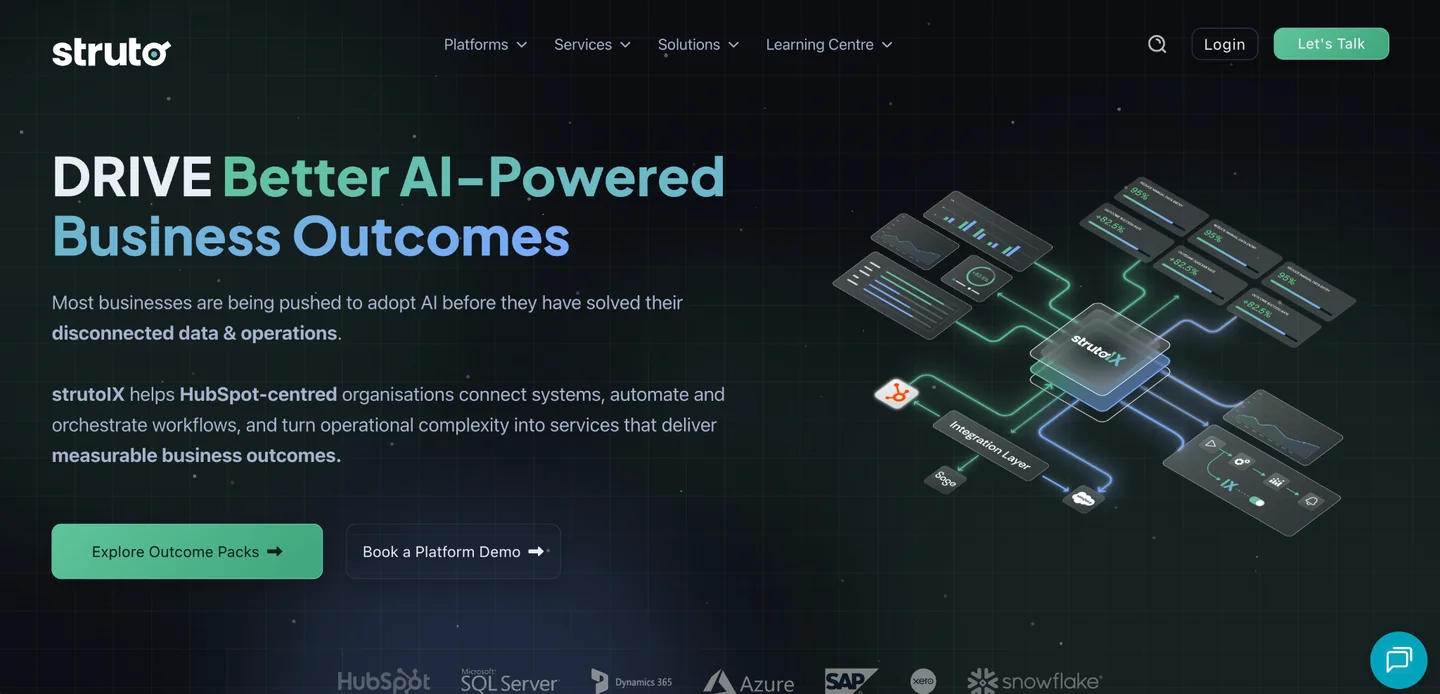
Struto connects HubSpot with the rest of a company’s tech stack through strutoIX, its own integration and orchestration platform with 200+ connectors to finance, ERP, support, and other business systems. It holds HubSpot accreditations in Custom Integration, Data Migration, CRM Implementation, and Solutions Architecture Design.
Key Services
- Connector packs: Prebuilt connectors for systems like NetSuite, Microsoft Dynamics 365 Business Central, Xero, Sage 50, Sage 200, ConnectWise, Creditsafe, and Salesforce Account Engagement. SQL, AWS, and REST API connectors cover databases, file storage, and apps beyond the named catalog.
- Salesforce and HubSpot sync: A two-way connector that keeps records consistent between the two CRMs across the customer lifecycle.
- Workflow orchestration: AI agents in the strutoIX Outcomes Engine watch for signals across connected systems, choose the next action based on rules and context, then trigger workflows, update records, assign tasks, and notify teams.
- strutoUX inside HubSpot: A side panel and widgets that surface account context, next best actions, and agent cards directly in HubSpot records. Reps can request approvals, generate quotes, or fix data without leaving the record.
Pricing
| Plan | Pricing |
|---|---|
| Discovery (10 to 15 days) | Approx. $0 to $4,690 |
| Deployment (30 to 45 days to first measurable outcome) | From approx. $13,260 |
| Connector packs | From approx. $235/month per connector |
| backHUB data backup | From approx. $30/month |
| Snowflake Intelligent Insights Service | From approx. $670/month |
| uniVERSAL Support | From approx. $400/month |
| Salesforce connector | Contact for pricing |
Note: Struto publishes its pricing in GBP. The USD figures above are approximate conversions for comparison purposes and may vary with exchange rates.
Where Struto Shines
- Time-to-value estimates for every pack: Each connector lists how long it should take to reach a first working data flow, from 5 to 10 working days for the HubSpot connector to 15 to 20 days for the Salesforce sync.
- Security built for larger organizations: The platform is SOC 2 Type II and ISO 27001 compliant, with SSO, role-based access, audit trails, encryption in transit and at rest, and data residency options.
- A roadmap designed to change: Its DRIVE framework keeps a shared roadmap that adapts as priorities shift. Results are compared against an agreed baseline, and the next investment decision is made on evidence: continue, change, expand, or stop.
Where Struto Falls Short
- HubSpot-first by design: Struto describes itself as HubSpot-first, so a team running Salesforce as its main CRM, with no plans to keep HubSpot, gets limited value beyond the sync connector.
- Costs come in layers: Discovery, deployment, support, and each Outcome Pack are billed separately, so the total runs well above the per-connector price. The integrations also run on strutoIX, which keeps them tied to Struto’s platform.
Who Struto Is Best For
- Companies whose commercial and finance teams keep re-keying data: It’s a strong fit when invoices, orders, credit checks, or ERP pricing need to reach HubSpot without anyone building and maintaining custom code.
5. Instrumental Group: Best for HubSpot Teams That Want Integrations, Website, and Campaigns Built Together
Instrumental Group is an Elite HubSpot Solutions Partner with a team of 75+ people across 9 countries. It holds 9 HubSpot accreditations and is ISO 27001 certified.
Key Services
- Native and custom integrations: Connections built through native connectors, APIs, SFTP and ETL processes, iPaaS platforms, custom middleware, or custom code, depending on what each system supports.
- ERP and operational-platform connections: Links between HubSpot and the systems that run daily operations, with custom objects and associations that give the connected data a proper home in the CRM.
- AI systems integration: Connecting AI tools to the CRM, data, knowledge, and operational platforms a business already relies on, including enterprise search through its Glean partnership.
- CRM extensions and portals: Custom-coded workflows and actions, CRM extensions, and customer or partner portals that run on connected data.
Pricing
Instrumental Group doesn’t share pricing on its website. Contact its team for a quote based on your integration scope.
Where Instrumental Group Shines
- Integrations planned before they’re built: Each connection is designed around data ownership, sync direction, timing, validation, security, error handling, and the workflows that depend on it.
- One team across disciplines: Its systems, website, growth, creative, and AI teams work from the same customer journey. Your integrations, website, and campaigns develop together instead of drifting apart.
- Support that protects the build: After launch, its hypercare work covers integration monitoring, workflow QA, governance, documentation, and role-based training, so connections stay reliable as your team and processes change.
Where Instrumental Group Falls Short
- HubSpot anchors most engagements: It connects HubSpot to a wide range of tools, but HubSpot sits at the center of nearly all its work. A Salesforce-led team will fit better elsewhere.
- Industry depth leans away from SaaS: Its dedicated industry practices cover financial services, insurance, healthcare, and supply chain. B2B SaaS companies get its general approach rather than sector-specific playbooks.
Who Instrumental Group Is Best For
- Teams that want to start with one focused fix: It’s a good fit when you’d like to begin with a single integration, migration, or portal audit, then expand into broader HubSpot work once the first project proves out.
How to Choose a CRM Integration Agency
Most integration projects that go wrong were scoped wrong, so these three decisions are worth making before you talk to any agency.
1. Map What Needs to Connect Before You Shortlist Anyone
Start by listing every system that should share data with your CRM, then sort the list into three groups:
- Revenue tools: Enrichment platforms, intent and signal trackers, sequencers, dialers, meeting tools, and ad platforms.
- Back-office systems: ERPs, billing and accounting platforms, product databases, and data warehouses.
- Another CRM: A second platform that has to stay in sync with your main one.
Each group calls for a different kind of partner. For example, revenue tools need someone who understands how reps prospect and how signals turn into outreach, back-office systems need fluency in invoices, orders, and ERP data models, and a CRM-to-CRM sync needs certified depth in both platforms. If your list leans heavily toward one group, shortlist agencies that specialize there.
If your revenue team runs on Attio, Frontal AI is the only agency on this list that works in it alongside HubSpot and Salesforce. Our guide to GTM engineering explains how revenue-side integrations fit together.
2. Match the Build Type to the Problem
The right build depends on what the connection has to do:
- A native connector is usually enough when the integration only covers standard records and your process matches the connector’s defaults.
- iPaaS tools like Zapier, Make, or n8n make sense when a flow spans several tools or needs logic between steps, as long as someone can maintain it.
- Pay for custom code or middleware when volume, security requirements, or unsupported systems push iPaaS past what it can handle or afford.
Ask every agency on your shortlist why it recommends a particular build for your stack. A firm that only offers one method tends to recommend it every time. Also ask about running costs since iPaaS task fees, cloud hosting, and per-connector subscriptions add up after launch.
Frontal AI builds inside your CRM and the tools agreed for each engagement, so every workflow stays in systems your team already owns and can see.
3. Agree Who Fixes It When a Sync Breaks
Integrations break after launch for ordinary reasons. A vendor updates its API, someone renames a field, a rate limit kicks in, or a new tool joins the stack. Before you sign, ask for clarifications on these questions:
- Who monitors failed syncs, and how quickly do they catch them?
- Is fixing a broken integration in scope, or will it be billed as new work?
- What documentation do you get if you bring the work in-house later?
An agency with vague answers here will leave you rebuilding connections every quarter. For a checklist of what to watch, see our CRM hygiene play.
If you decide to bring the work in-house later, Frontal AI can hand everything over to your team.
How Much Do CRM Integration Agencies Cost in 2026?
Here’s how each agency on this list prices its integration work as of October 2026:
| Agency | Pricing |
|---|---|
| Frontal AI | Custom; book a call for a quote |
| Aptitude 8 | Not published |
| Fast Slow Motion | Not published |
| Struto | From approx. $235/month/connector |
| Instrumental Group | Not published |
All in all, three things will have the biggest impact on what you pay:
- The number of systems you’re connecting: The more systems involved, the more mapping, testing, and upkeep the project needs, since every connection is another point that can fail.
- The state of your data: If your CRM is full of duplicates, inconsistent fields, or missing records, you’ll need to clean it up before anything syncs, and that can take longer than the build itself.
- Whether it’s a one-off project or ongoing work: A fixed-scope project, for example, will cost less upfront. Integrations still need maintenance as your tools change, though, so ongoing support often costs less over a full year than paying for each fix separately.
If you’re weighing integration work against a broader operations partner, our comparison of the best RevOps agencies covers firms that handle integrations as part of a wider scope.
So, Which CRM Integration Agency Is Right for You?
The right partner depends on what your CRM needs to talk to. For post-PMF B2B teams, that’s usually the growing set of tools behind pipeline: enrichment platforms, signal trackers, sequencers, and the routing that gets leads to the right rep.
Frontal AI connects those tools to HubSpot, Salesforce, or Attio. Senior operators join your team, build the integrations, and keep them working as your stack evolves. Because the same team can also take on outbound, ads, and content, anything you add later runs off the data you’ve already connected.
Book a call and tell us which tools aren’t talking to each other. We’ll map the gaps and how we’d close them.
FAQs
1. How long does a CRM integration take?
You can configure and sync a single native connector within a few days. Integrations spanning several systems or requiring custom code usually take several weeks to a few months. Ask an agency for a timeline only after it has reviewed your systems and data, since any estimate given before scoping is a guess.
2. What’s the difference between CRM consulting and CRM integration?
CRM consulting decides how your CRM should be structured: objects, pipelines, lifecycle stages, and the processes your teams follow inside it. CRM integration builds the connections that move data between that CRM and the other systems around it. Many teams need both, either from one partner or from two specialists working together. Our roundup of the best CRM consulting services covers partners that focus on that first step.
3. Should you build CRM integrations yourself with Zapier or Make?
You can, as long as you have a handful of simple flows and someone in-house who owns them. Problems start when flows multiply across different owners, and nobody documents how they connect. Bring in an agency once integrations touch revenue-critical processes like lead routing, attribution, or billing. For teams that want enrichment and automation workflows built by specialists, we’ve also compared the best Clay automation agencies.